
Login to your account!
Join the World's Largest Web App Marketplace!
Great to see you here!
Let’s set up your account in just a couple of steps.
Forgot password?
Enter your username or email to reset your account.
Steward AI | Perfex CRM AI Agent - PHP Script With Approval Queue
By : Mikodes Published On Thursday, November 12, 2026, 07:46 In PHP Scripts

AI declaration: AI tools were used to assist with parts of the code, documentation and graphics of this item. The author directed, reviewed and tested every part before release. The module itself uses AI at run time only through the provider and key you connect.
Perfex CRM is sold separately and is not made or endorsed by MIKODES. Steward AI is not affiliated with, endorsed by or sponsored by Perfex CRM or its authors, Anthropic, OpenAI, OpenRouter or Ollama; their names are used only to describe compatibility.
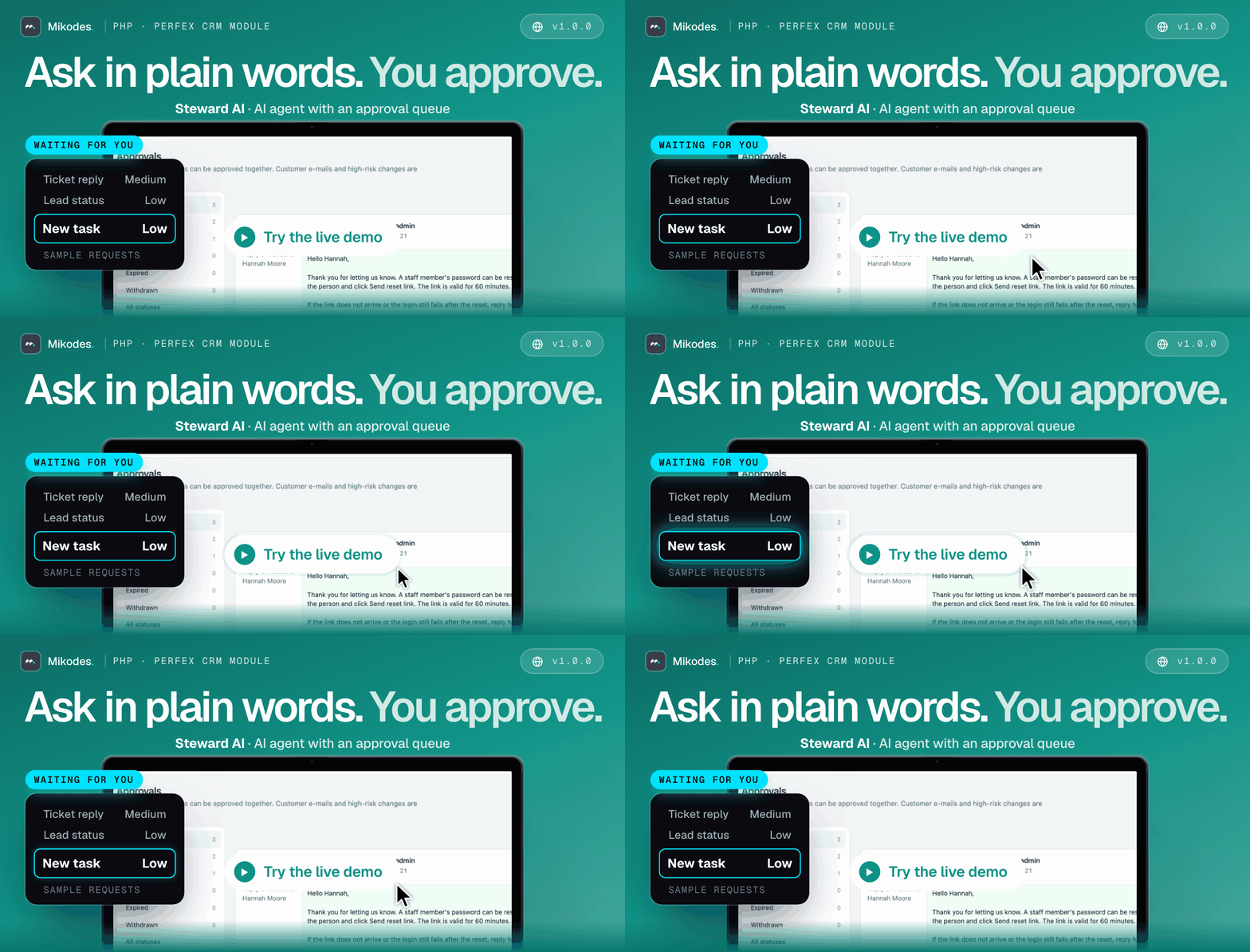

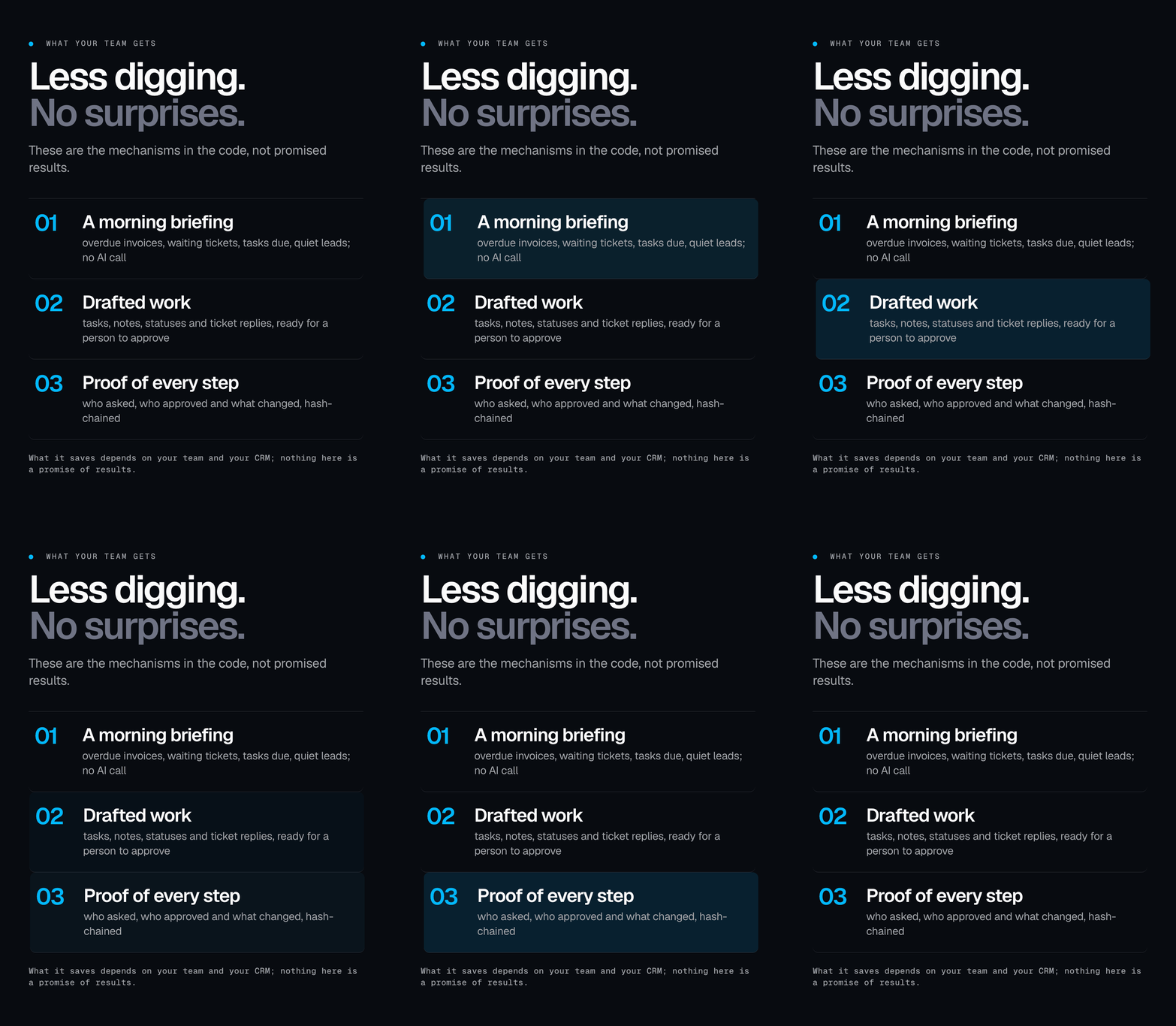
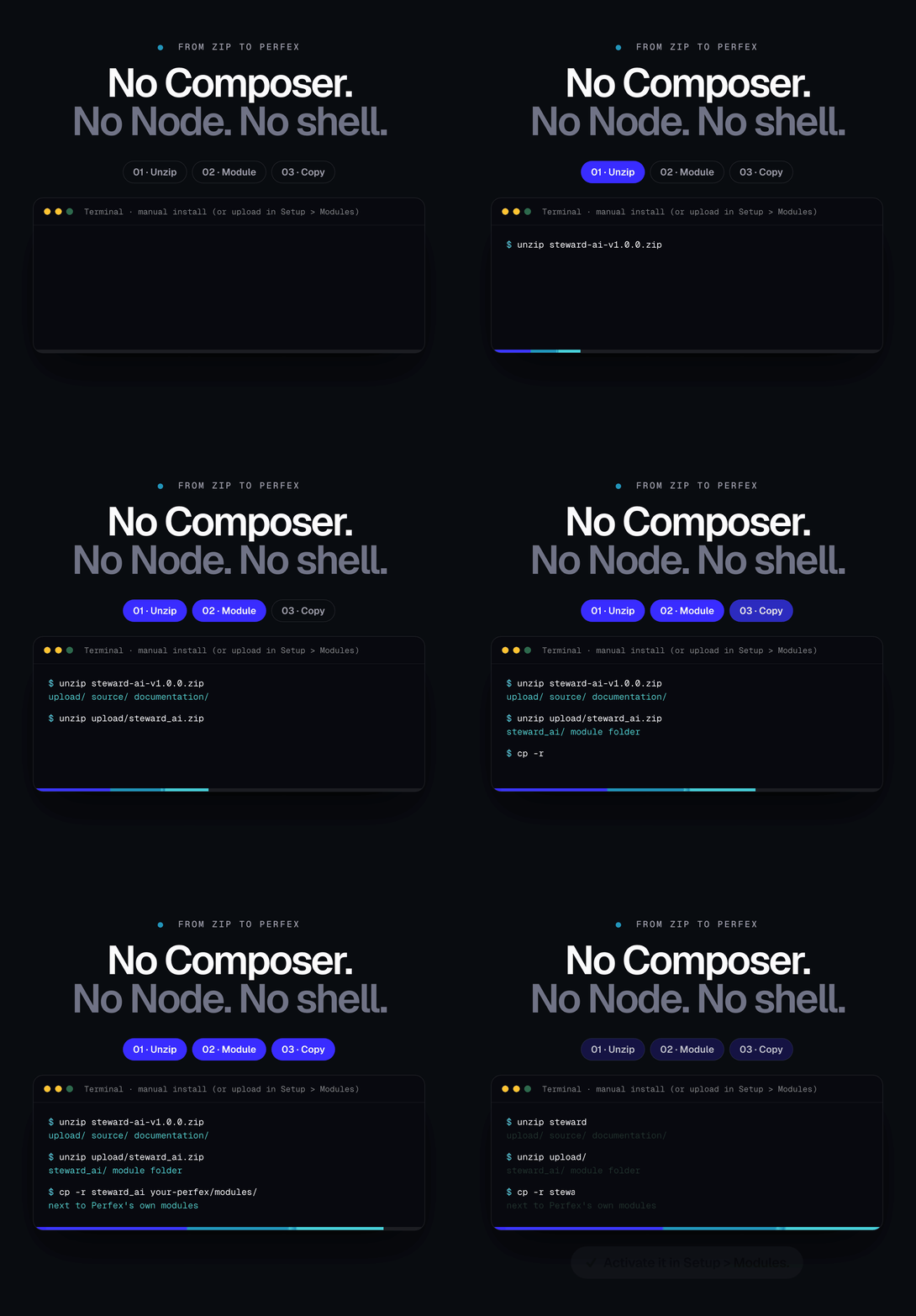
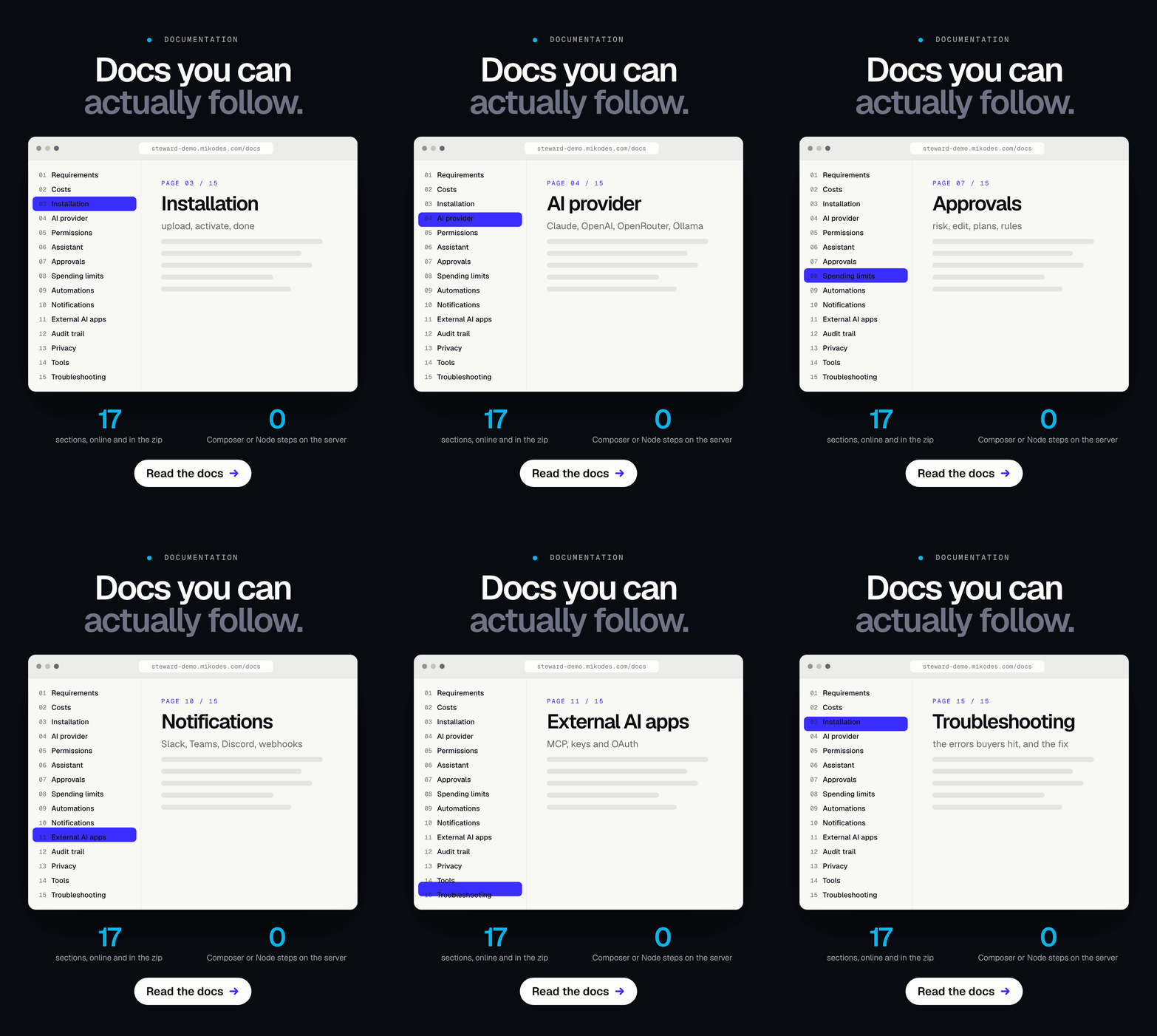
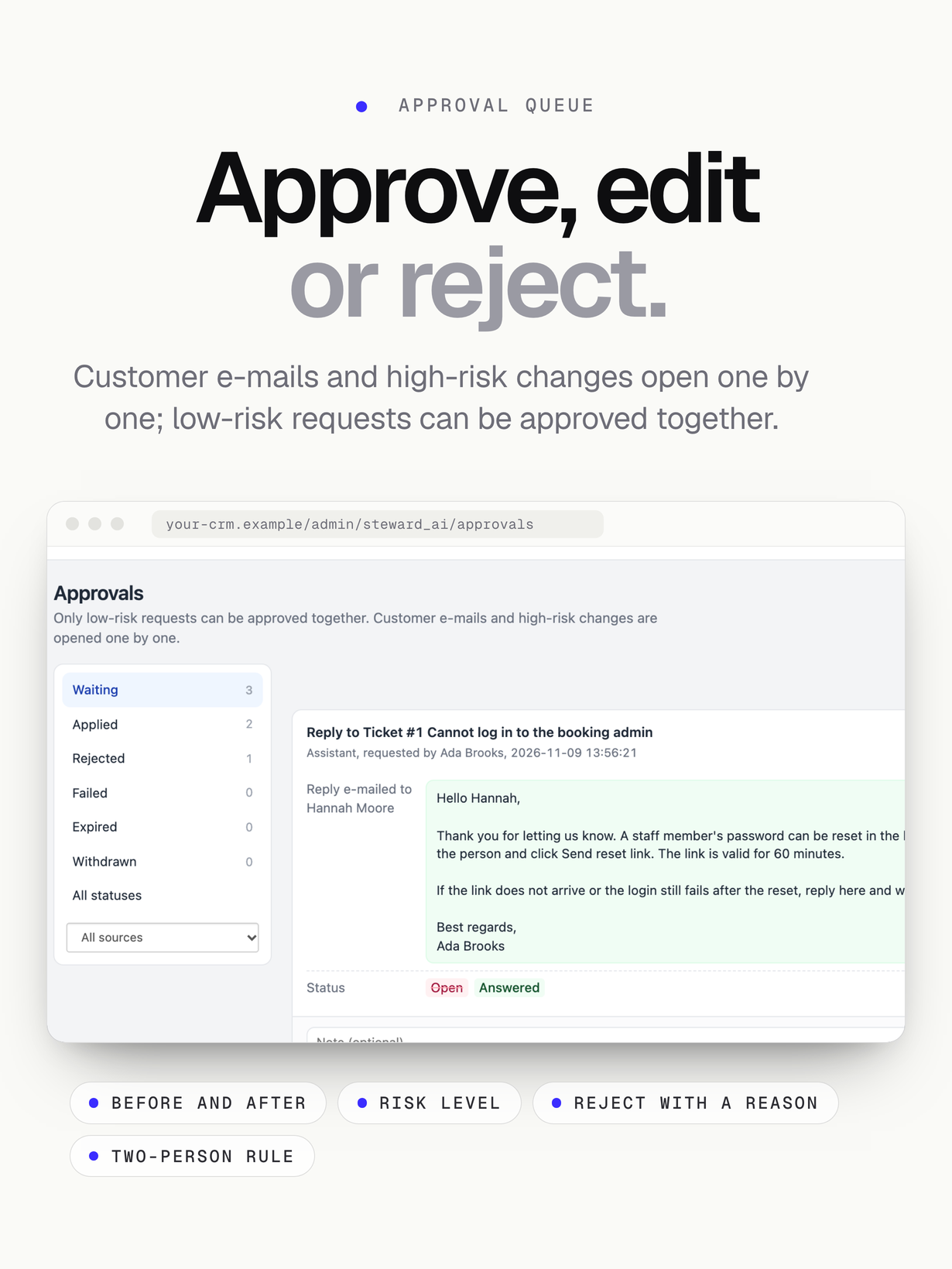
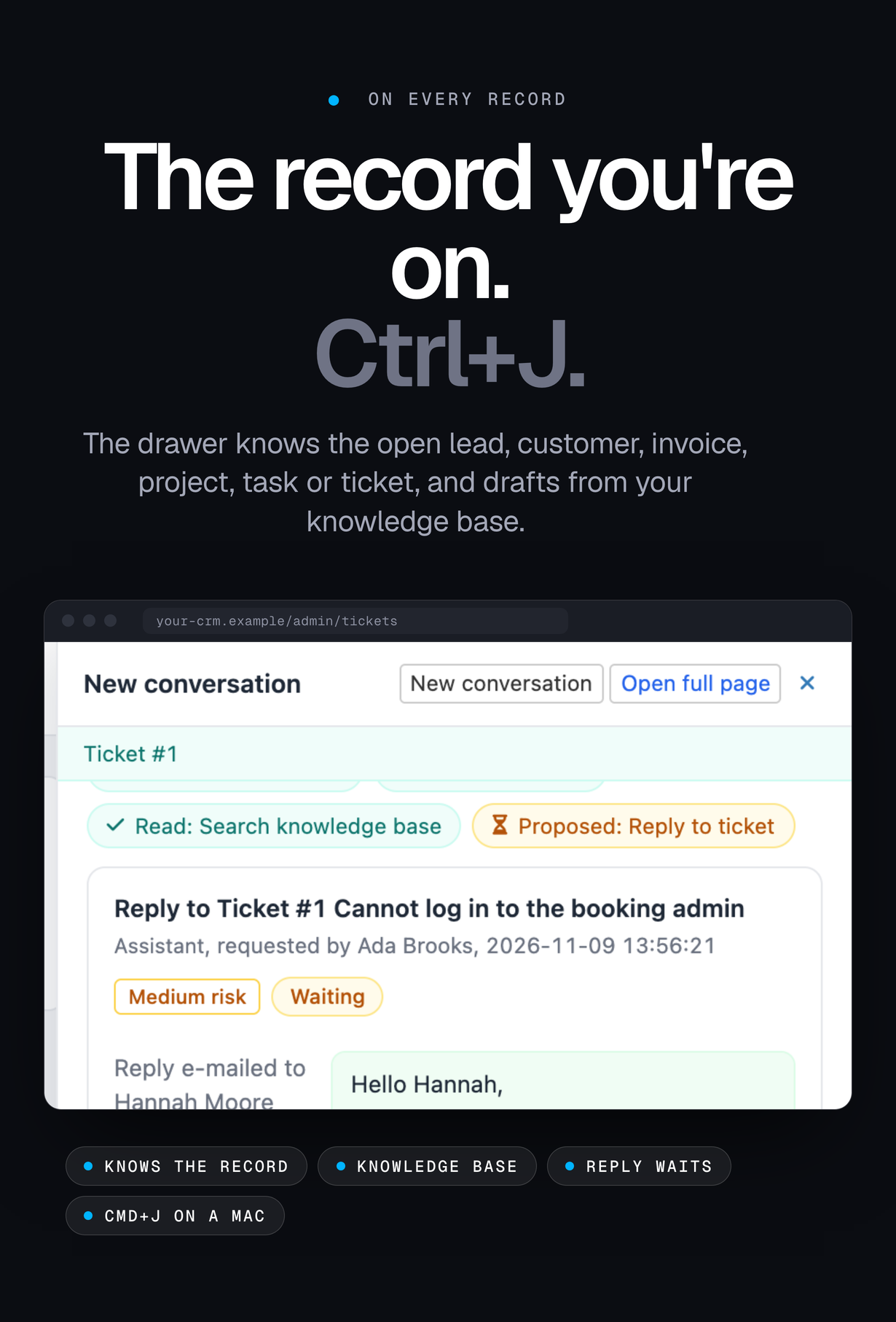
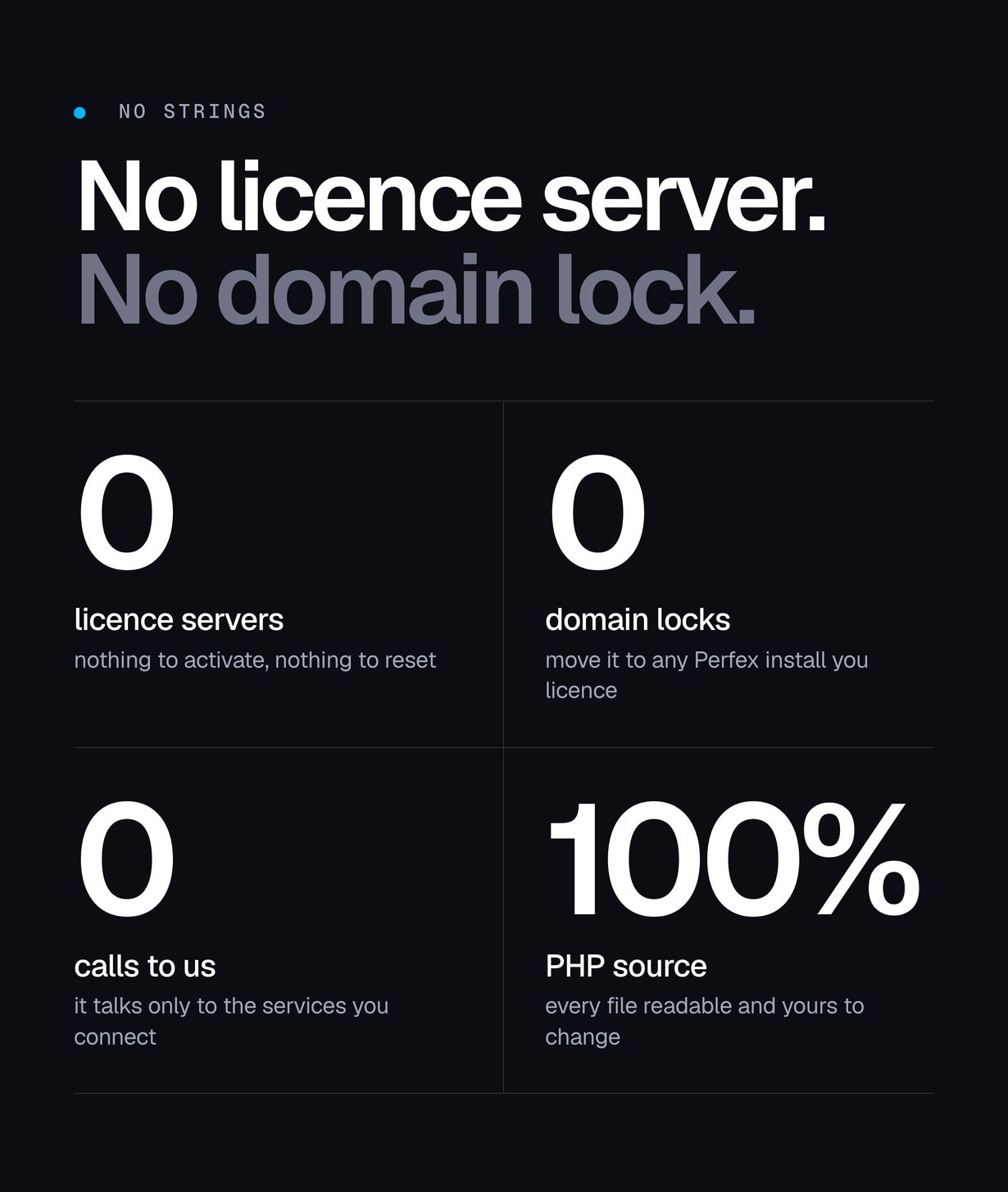


Steward AI is a PHP module for Perfex CRM 3.2 and newer. Your staff ask about leads, customers, invoices, projects, tasks and tickets in plain language, on its own page or in a drawer on any admin page, and get answers from your own CRM data with links to the records. When the agent wants to change something (create a task, add a note, change a lead or ticket status, reply to a ticket), the change waits in an approval queue with the exact before and after values; a person approves, edits or rejects it. Every step is written to a hash-chained audit trail, spending limits cap AI costs, and Claude, ChatGPT and Cursor can connect over MCP with scoped keys under the same approval rules.
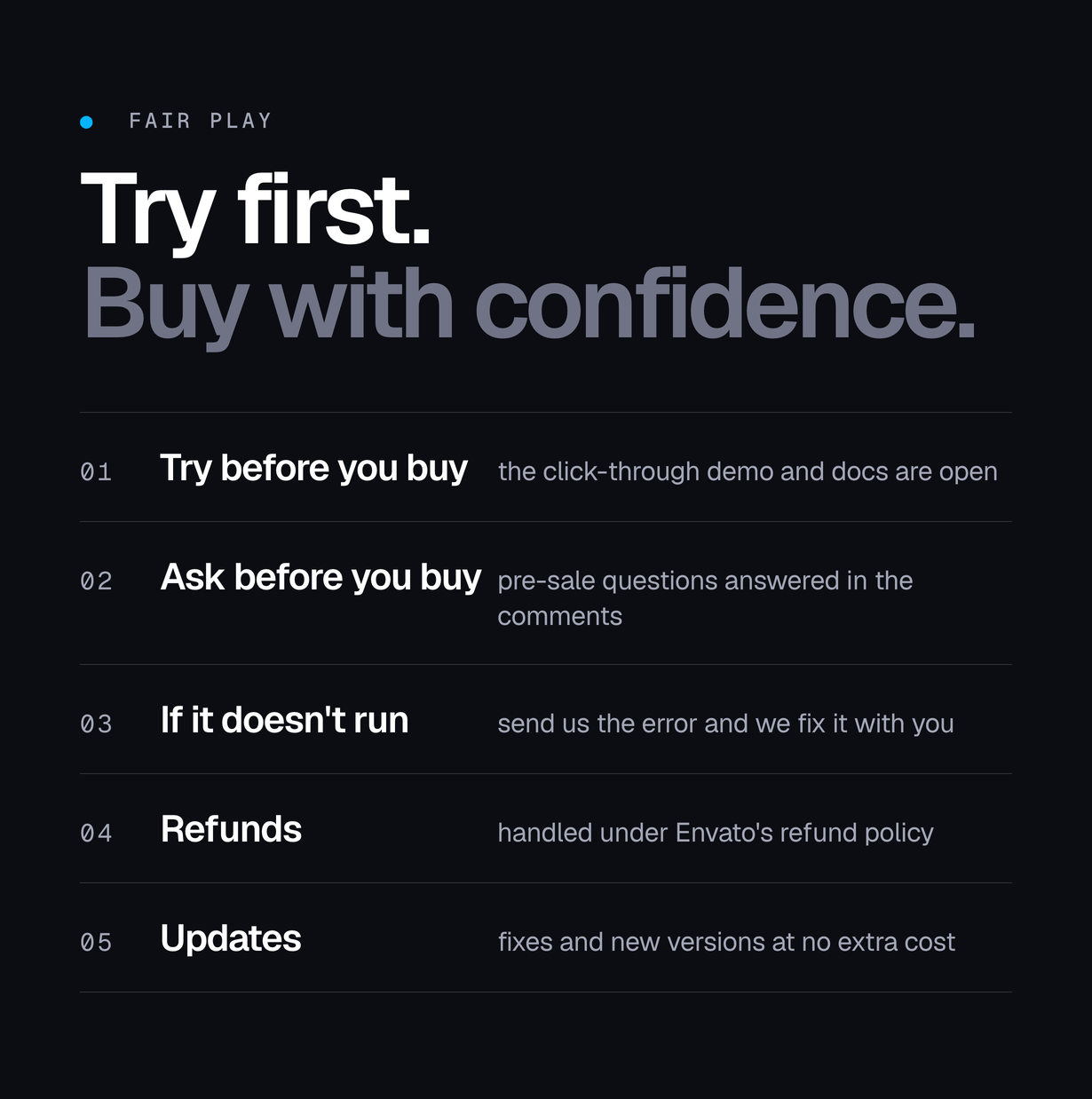
Live demo
| App | Link | Access |
|---|---|---|
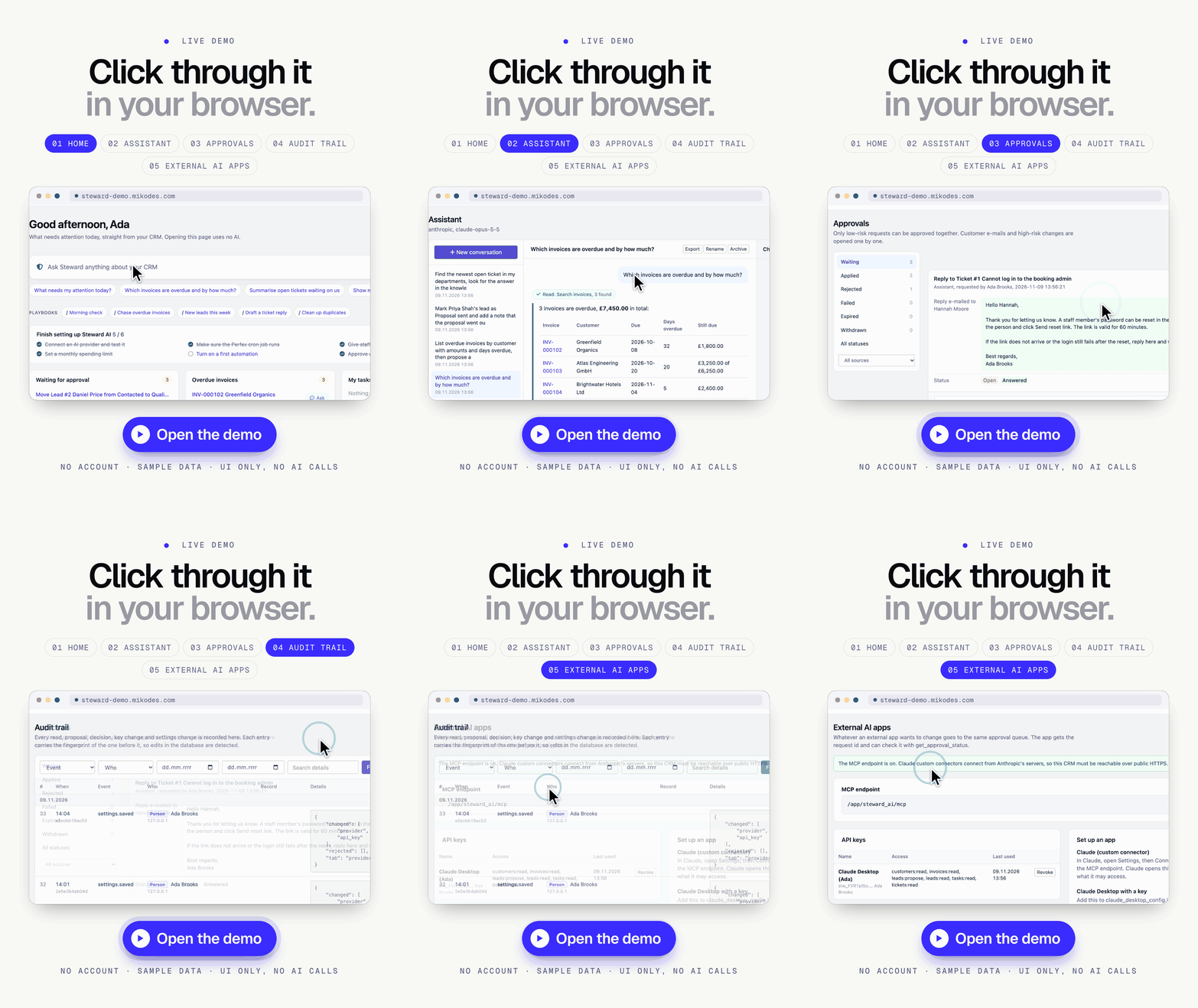
| Click-through demo | steward-demo.mikodes.com | No sign-in: there is no account. A UI-only showcase of the module’s screens with sample data; nothing is saved and no AI is called. |
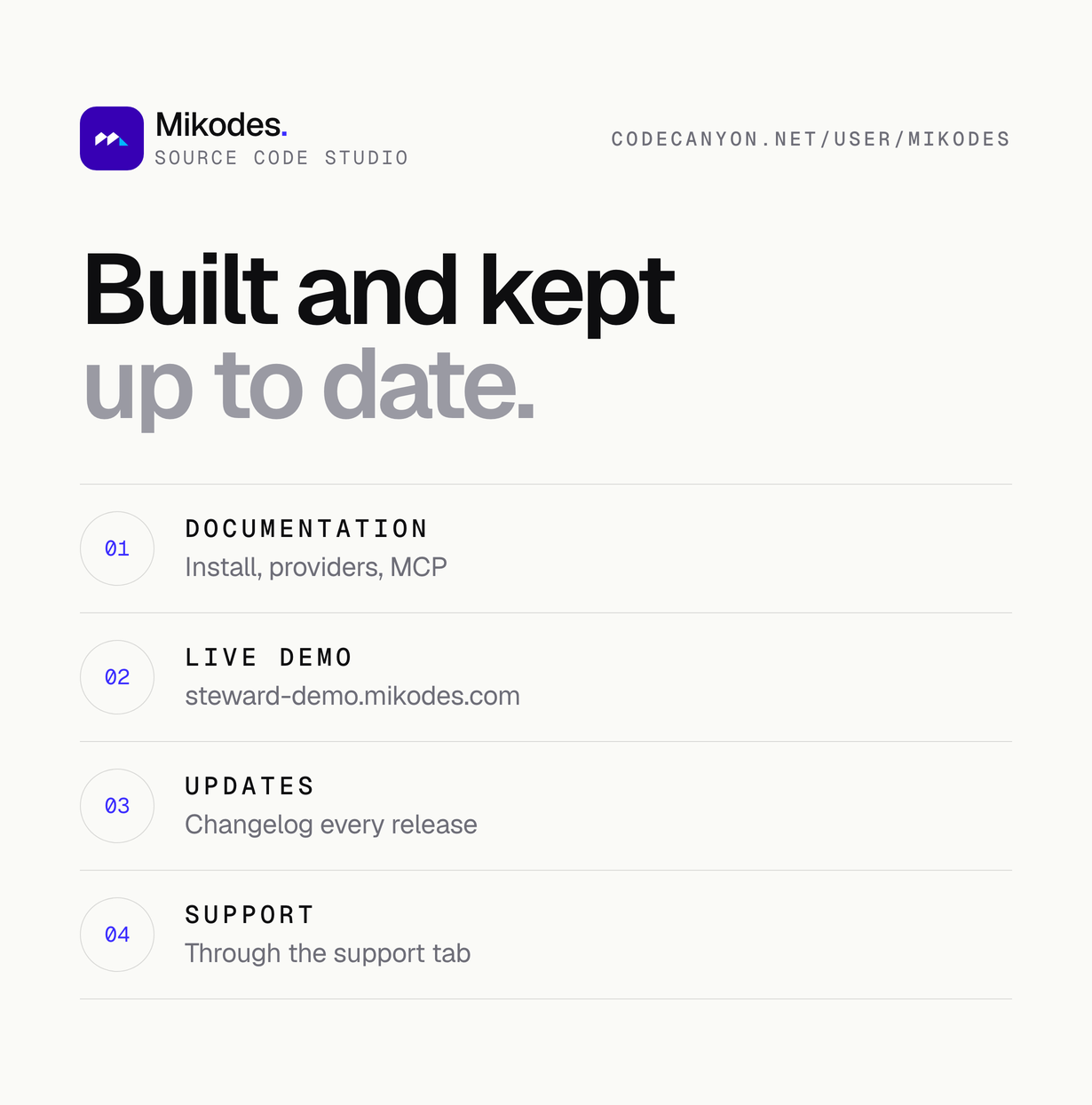
| Documentation | steward-demo.mikodes.com/docs/ | Public, no account needed. |
Demo instructions
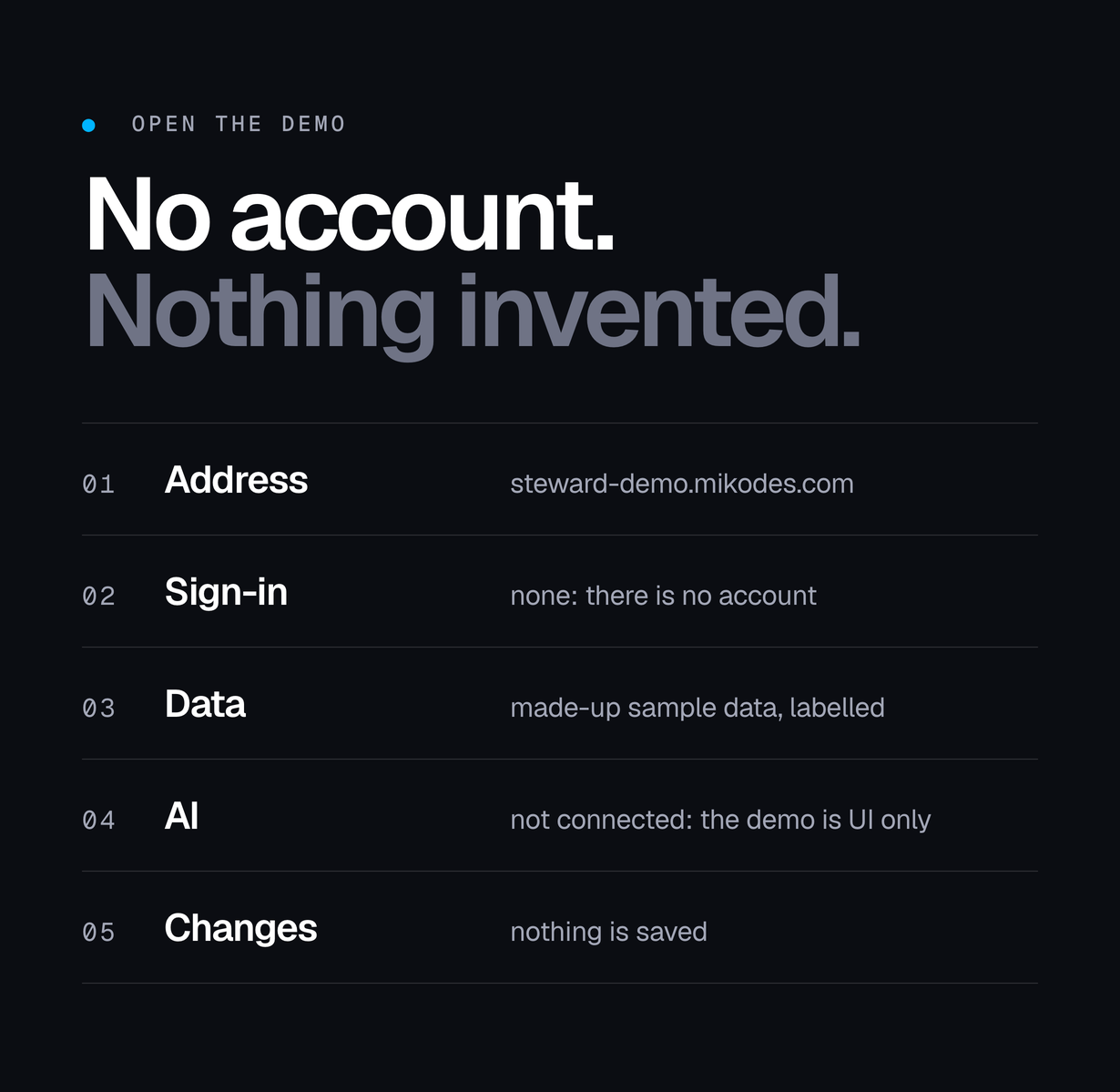
Open steward-demo.mikodes.com in a browser. There is no account, no username and no password: the demo is a click-through showcase.
- Sign-in: none. There is no account; every screen opens without a login.
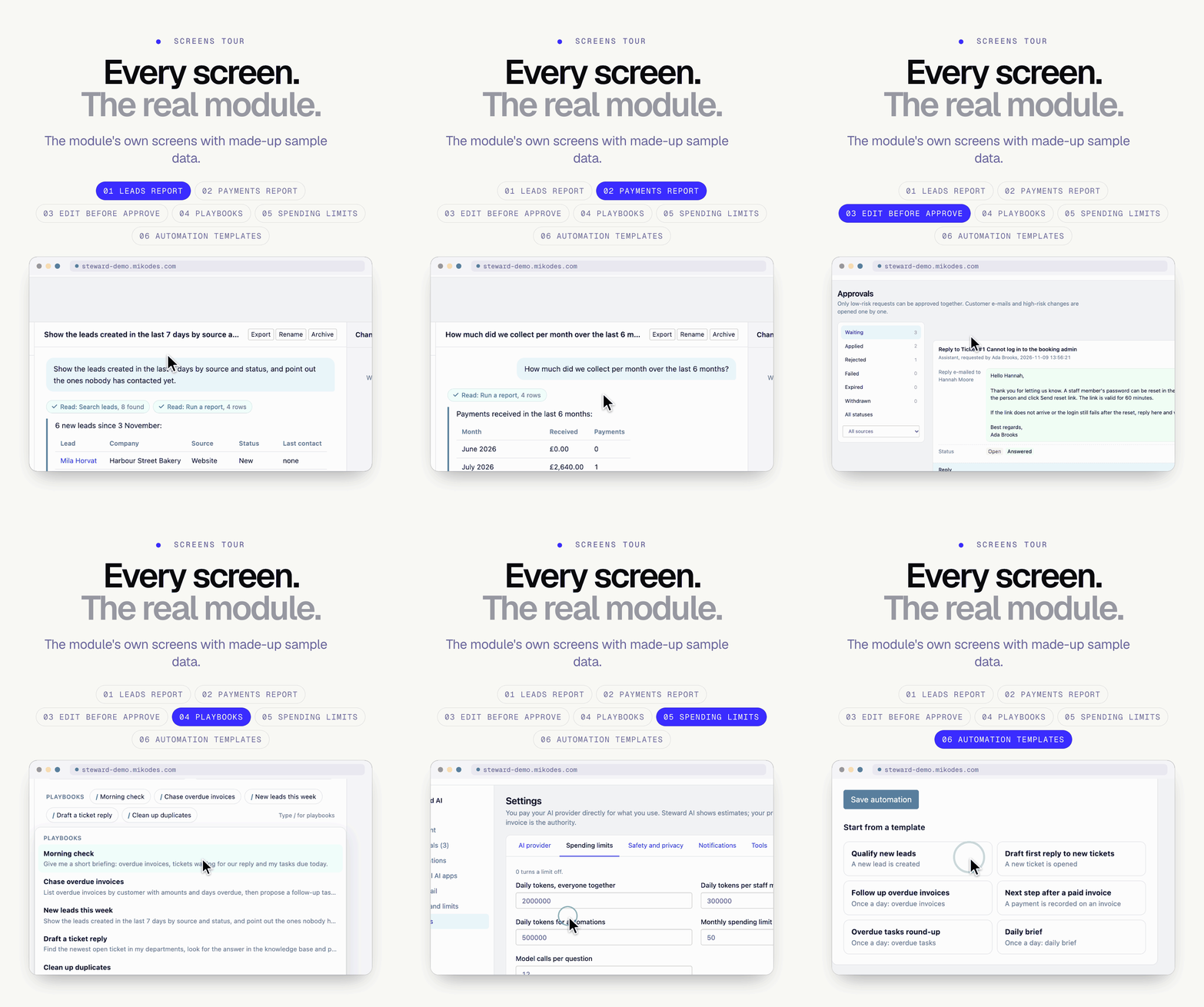
- What you see: the real Steward AI screens (home briefing, assistant, approval queue, audit trail, usage and limits, settings, external AI apps, automations) with made-up sample data, labelled “Demo · sample data”.
- What the demo cannot do: it is UI only. No AI provider is connected, nothing is saved and no CRM is behind it, so questions are not answered live and approvals change nothing.
- Not Perfex: the demo is not a Perfex CRM install. Perfex CRM is sold separately; the module runs inside your own Perfex admin.
- Documentation: steward-demo.mikodes.com/docs/ is public.
Costs outside the item price
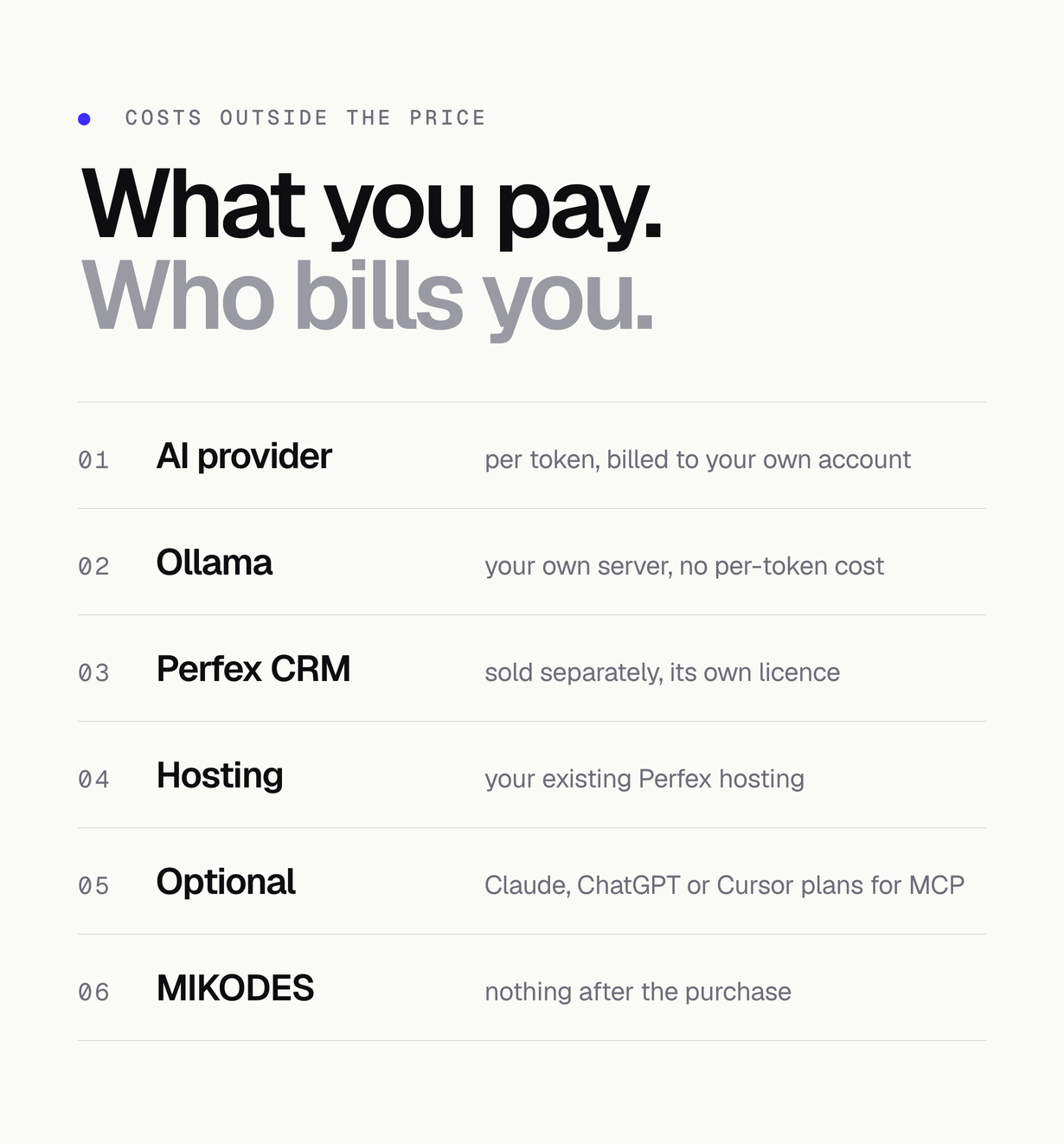
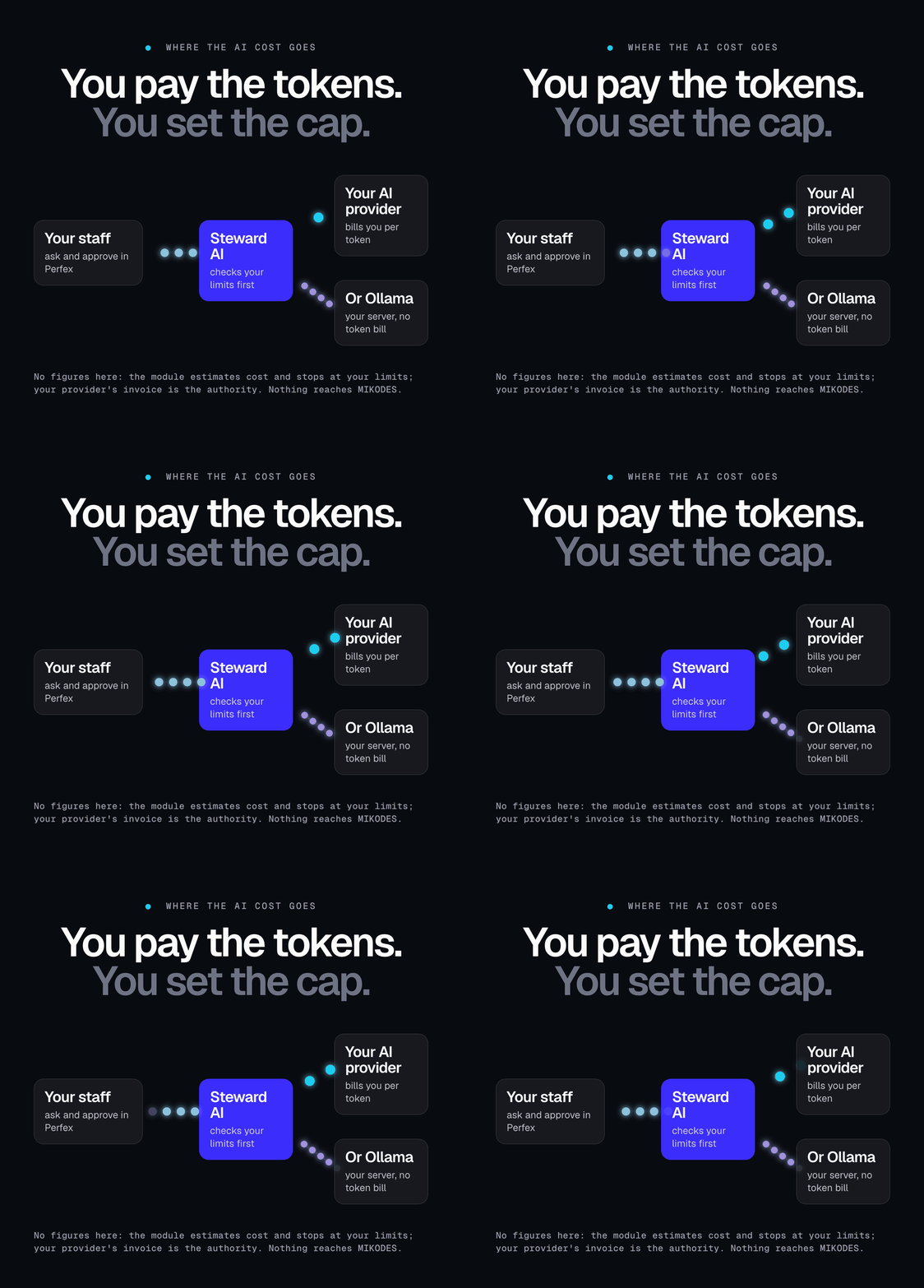
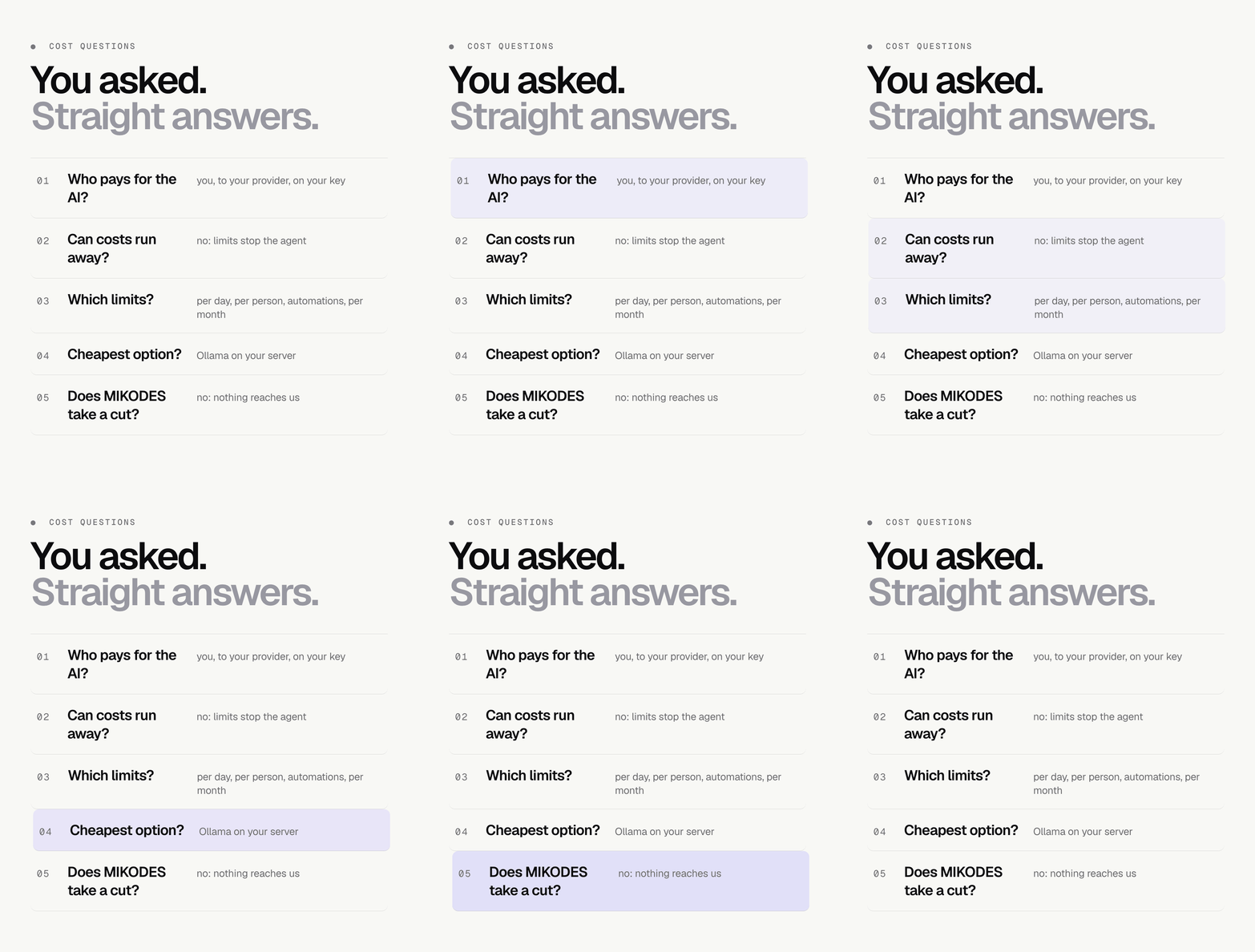
This item does not include AI usage. AI providers are external paid services, billed separately on your own account.
- AI provider usage: Anthropic, OpenAI and OpenRouter bill you directly per token for what your team uses. Steward AI shows an estimate and stops at the limits you set; your provider’s invoice is the authority.
- Ollama runs on your own server at no per-token cost; it needs a server with enough memory for the model, and small local models give weaker answers.
- Perfex CRM is a separate product with its own licence, and your Perfex hosting is your own.
- Optional: Claude, ChatGPT or Cursor subscriptions if you connect them through MCP; Slack, Microsoft Teams or Discord for notifications.
Nothing you pay these providers reaches MIKODES.
Features
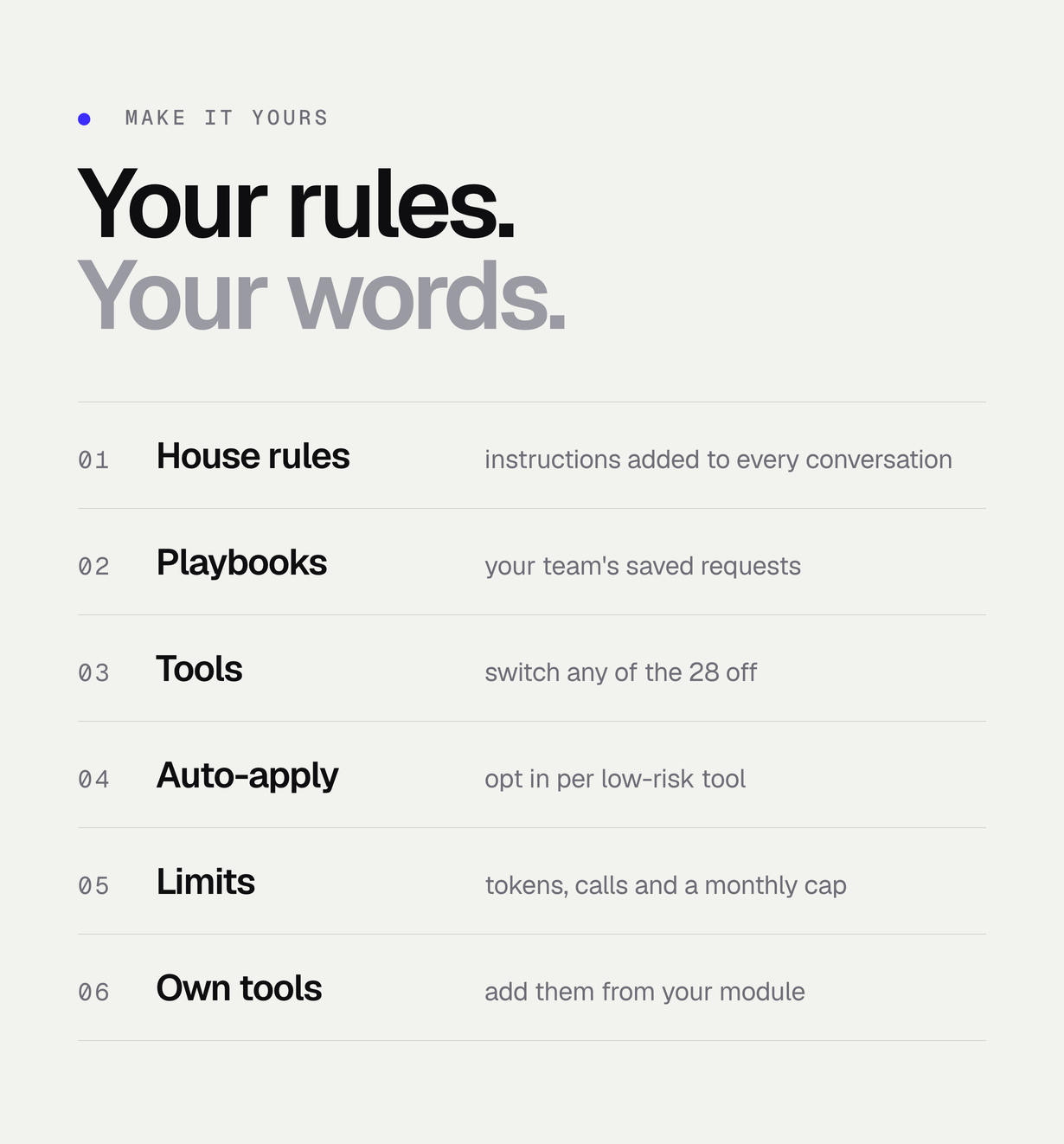
- Assistant page and a side drawer on every admin page (Ctrl+J / Cmd+J) that knows which record is open
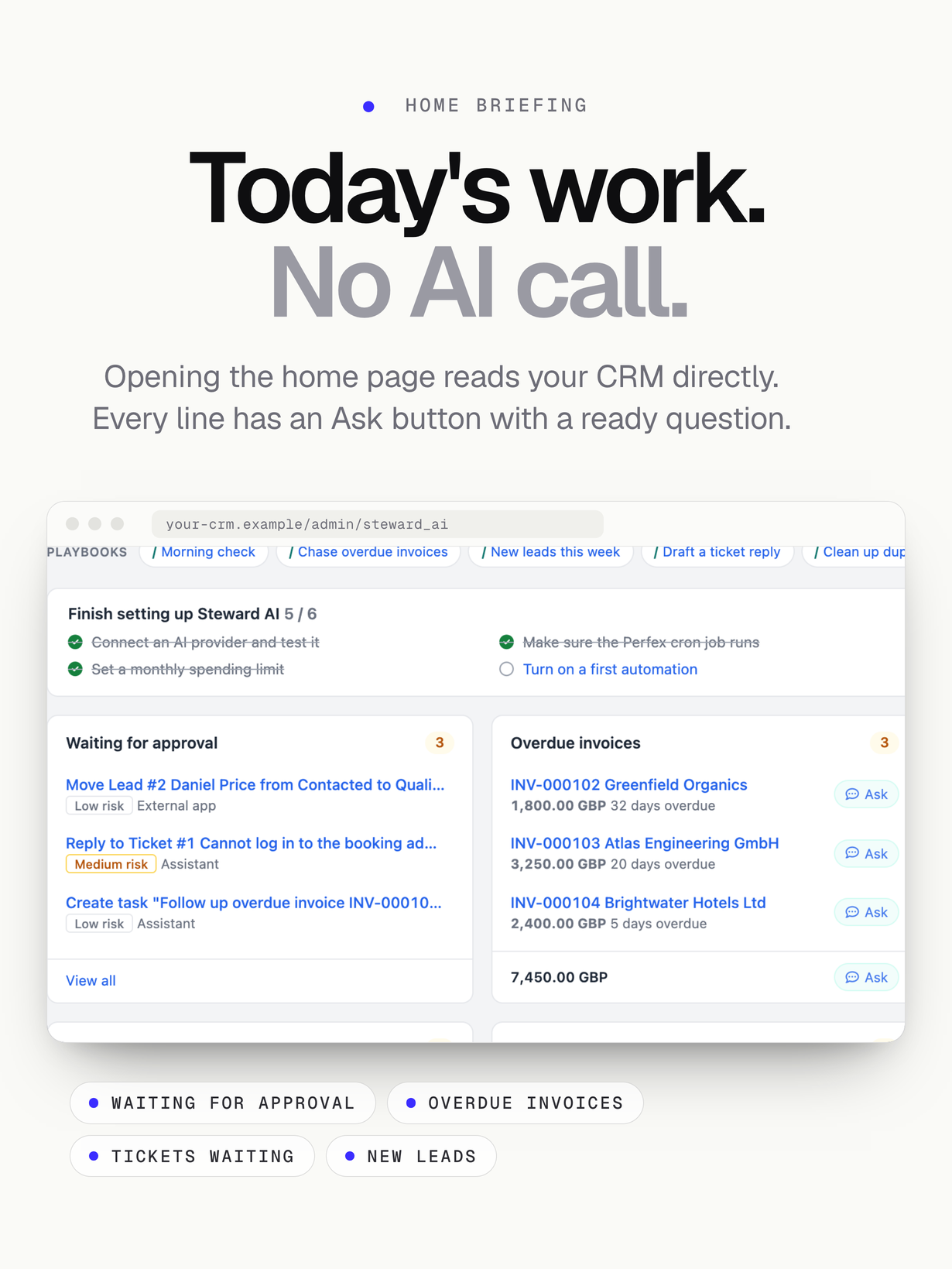
- Home briefing without any AI call: overdue invoices, tickets waiting, tasks due, new and quiet leads
- Approval queue with a field-level before/after view, risk level, edit before approve, reject with a reason, approve a whole plan, bulk approval for low-risk requests and keyboard shortcuts
- Stale-record guard: a change is not applied when the record changed after the request was made
- Two-person rule for high-risk requests
- Opt-in “apply without approval” for individual low-risk tools, only for requests made live in the assistant, always recorded in the audit trail
- Team playbooks: saved requests your team starts with ”/” in the chat box (five examples included)
- Answers in each staff member’s Perfex language
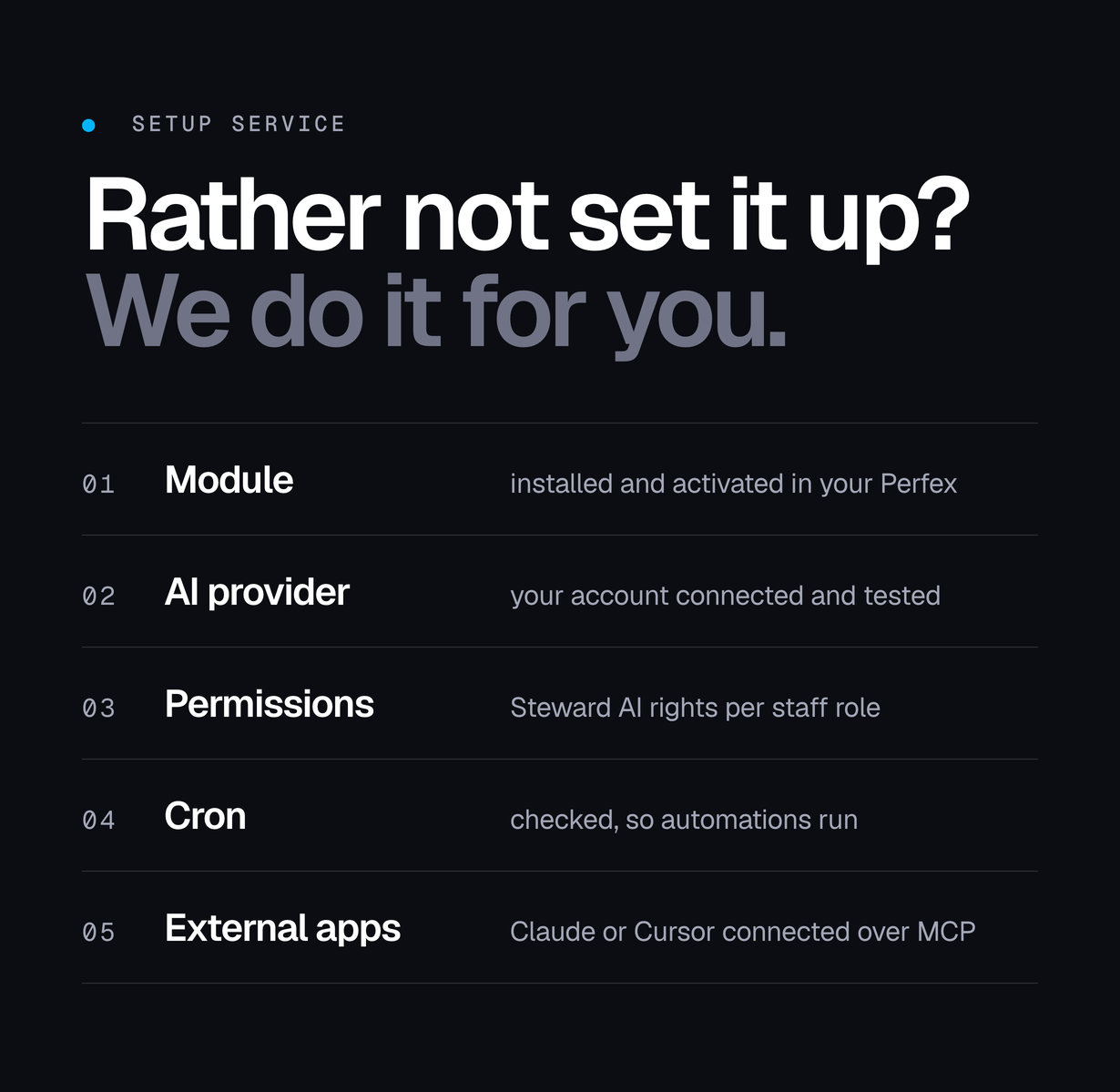
- Respects Perfex permissions: staff only see and change what Perfex already lets them see and change
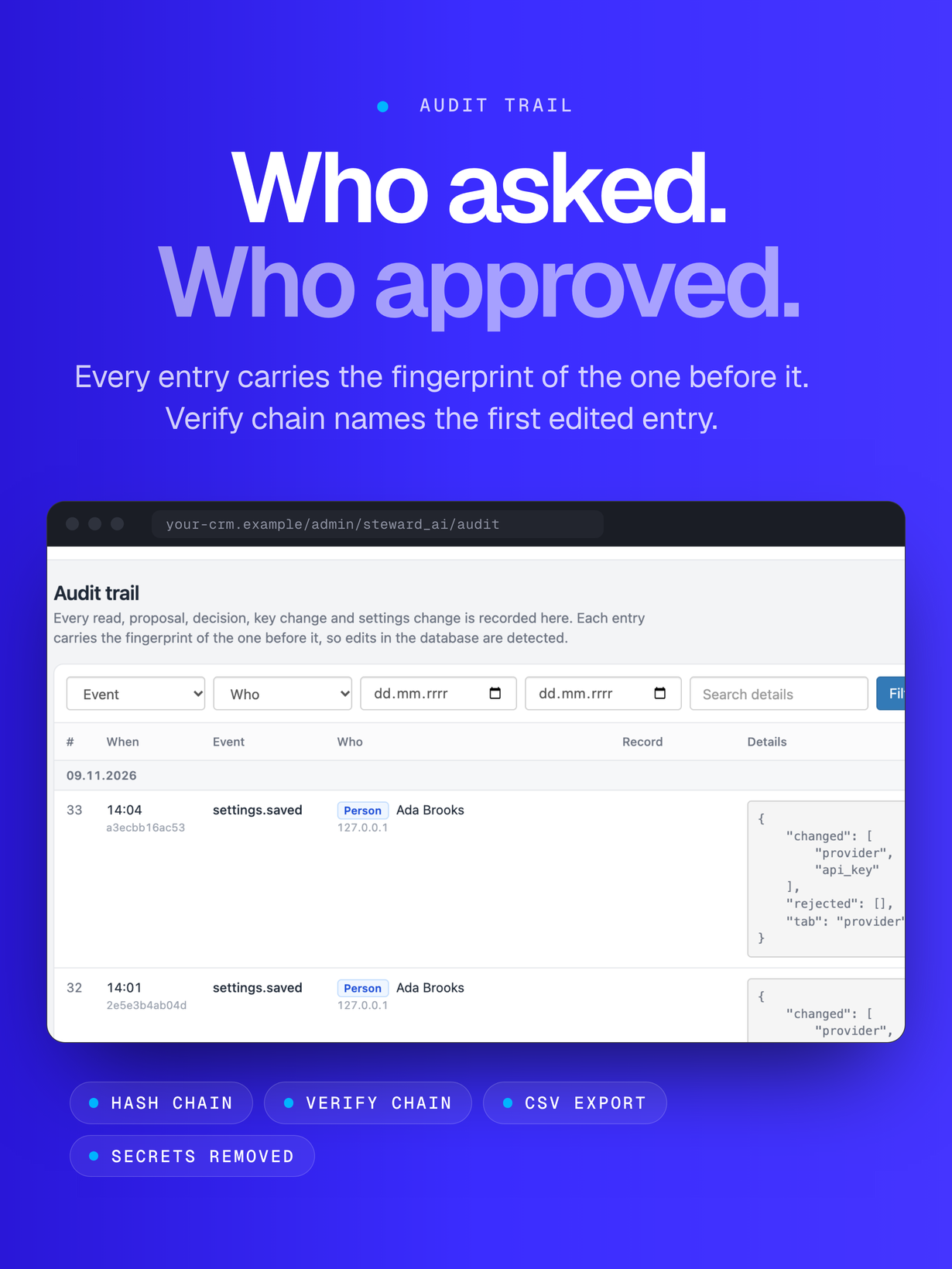
- Tamper-evident audit trail (hash chain) with a verify button and CSV export
- Spending limits per day, per staff member, for automations and per month in US dollars, with a projection
- Providers: Anthropic Claude (default), OpenAI, OpenRouter, Ollama (local) and any OpenAI-compatible endpoint, with a fallback provider
- Privacy mode that masks e-mail addresses and phone numbers before they reach a cloud model
- Automations: new lead, new ticket, payment recorded, overdue invoices, overdue tasks and a daily brief
- Notifications in team chat: Slack, Microsoft Teams, Discord or any JSON webhook
- Reports in plain language, duplicate finder for leads and customers, knowledge base search for ticket replies
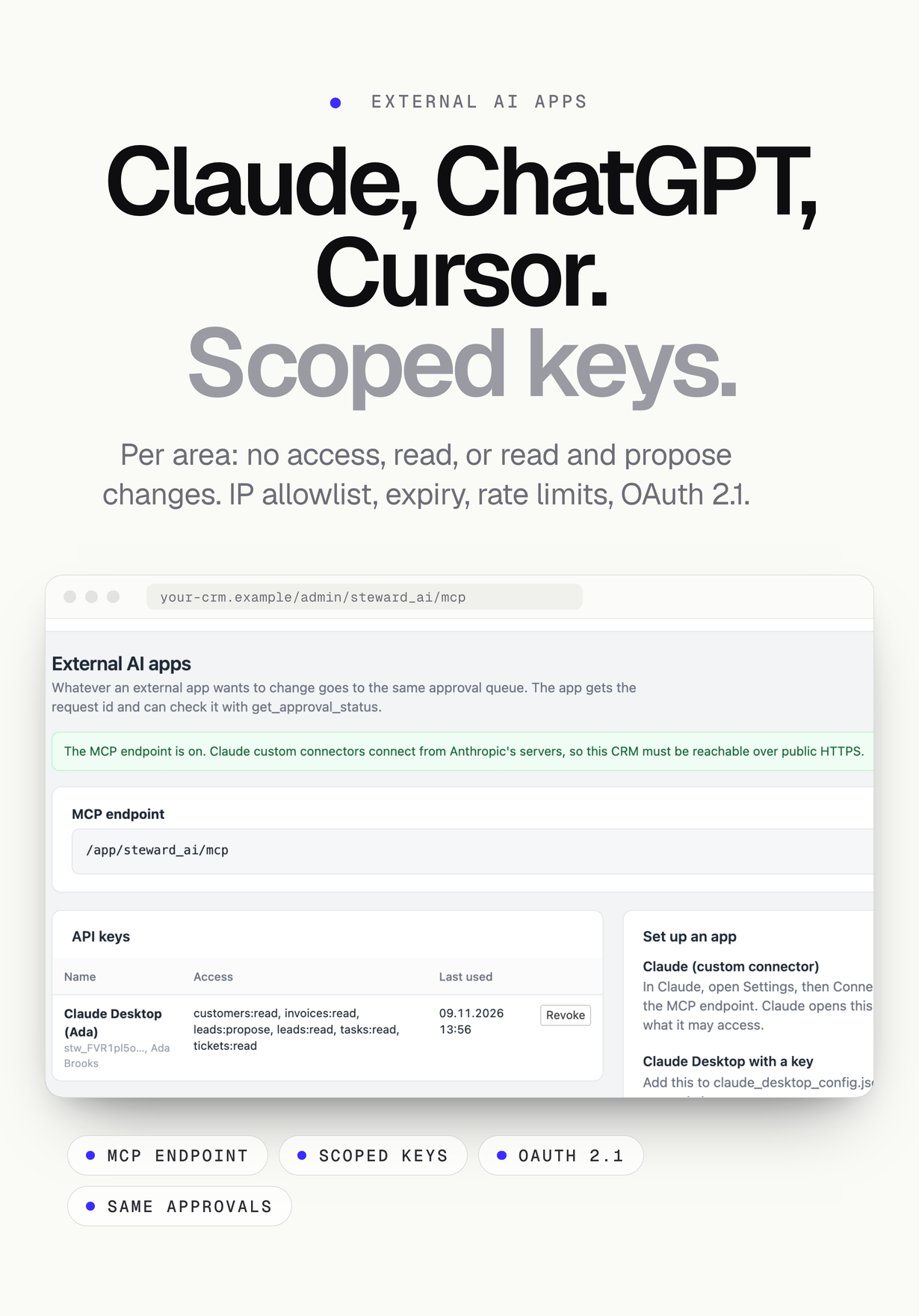
- MCP server (2026-07-28 and older 2025 revisions) with scoped API keys, IP allowlist, rate limits and OAuth 2.1, so Claude, ChatGPT and Cursor work under the same approval rules
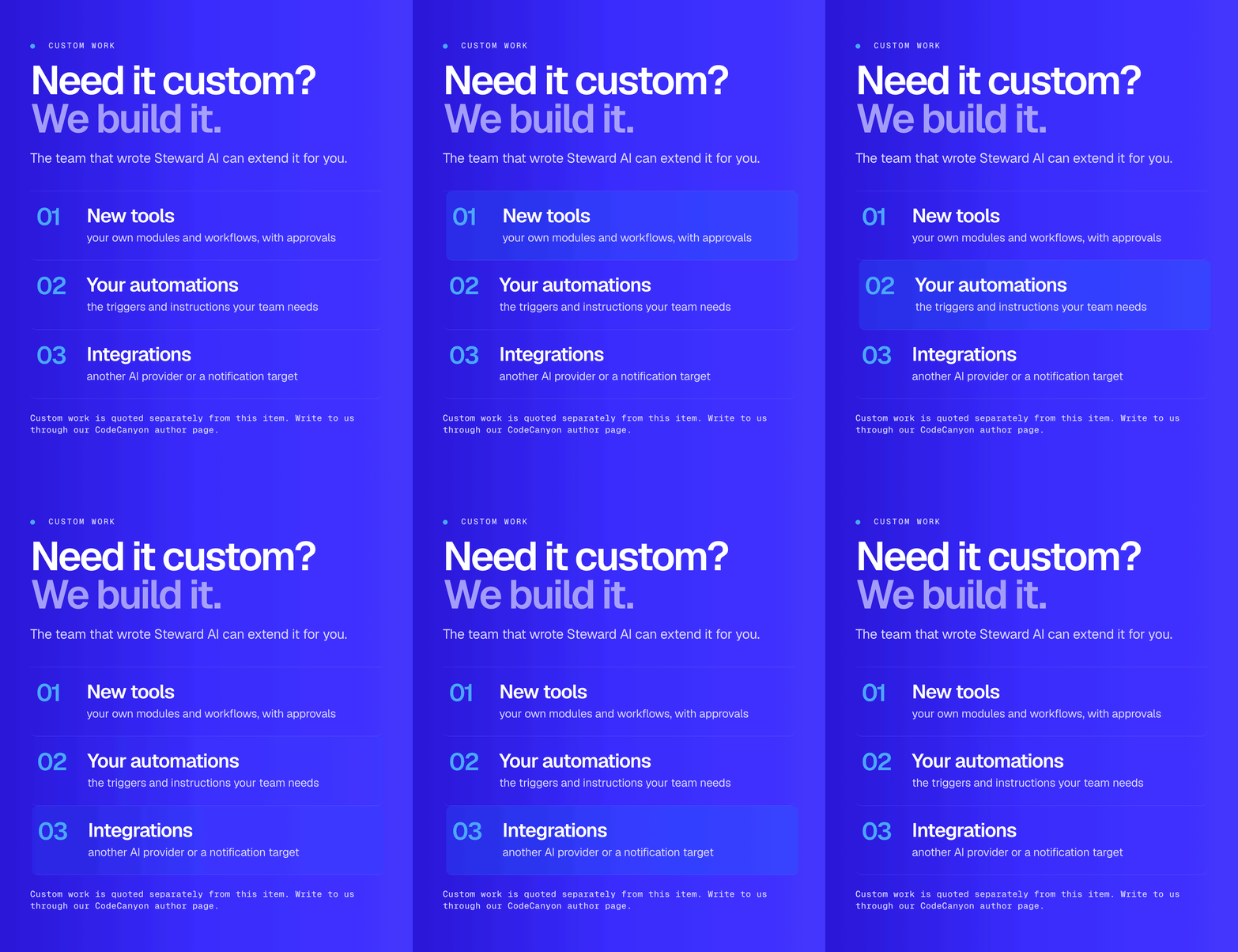
- 28 tools (19 read, 9 propose a change); your own modules can add tools through a filter hook
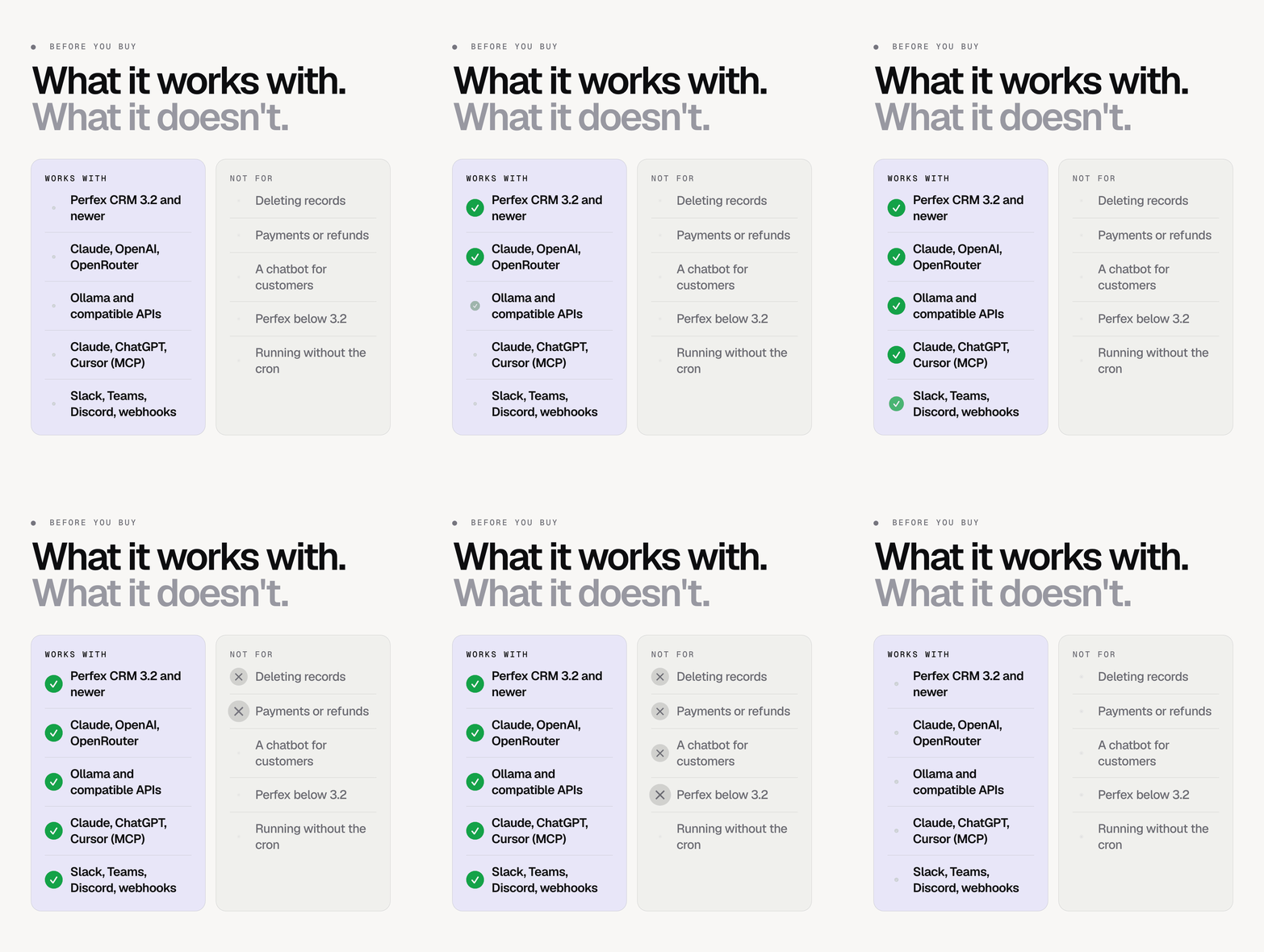
- Version 1.0 has no delete actions and nothing that moves money
Screenshots and the click-through demo show the real module screens with made-up sample data (people, companies, invoices and tickets are invented and labelled “Demo · sample data”), in a neutral admin frame rather than a Perfex install. No results, savings or figures are claimed. Device frames are illustrations.
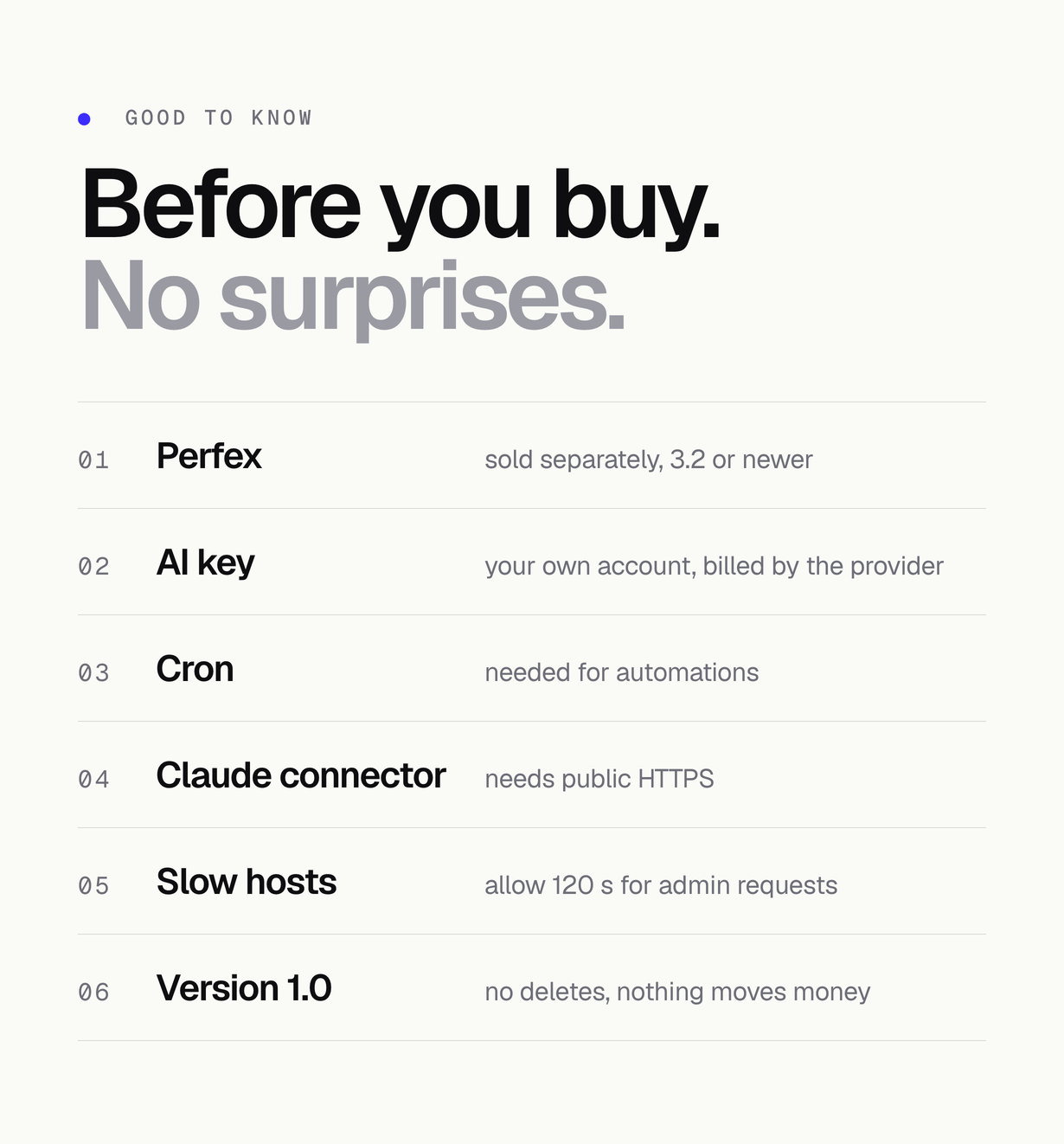
Good to know before you buy
- Perfex CRM is sold separately and is not made or endorsed by MIKODES; Steward AI is a module for Perfex 3.2 and newer.
- AI features use your own provider account and key; usage is billed by the provider.
- Automations and the expiry of old requests need the Perfex cron job.
- Claude custom connectors need your CRM on public HTTPS; Claude Desktop, Claude Code and Cursor work with a key.
- Long questions can take a minute; if your host stops PHP after 30 seconds, ask it to allow 120 seconds for admin requests.
- Ollama needs a tool-capable 7B+ model and a context of 16k tokens or more.
- Version 1.0 has no delete actions and nothing that moves money.
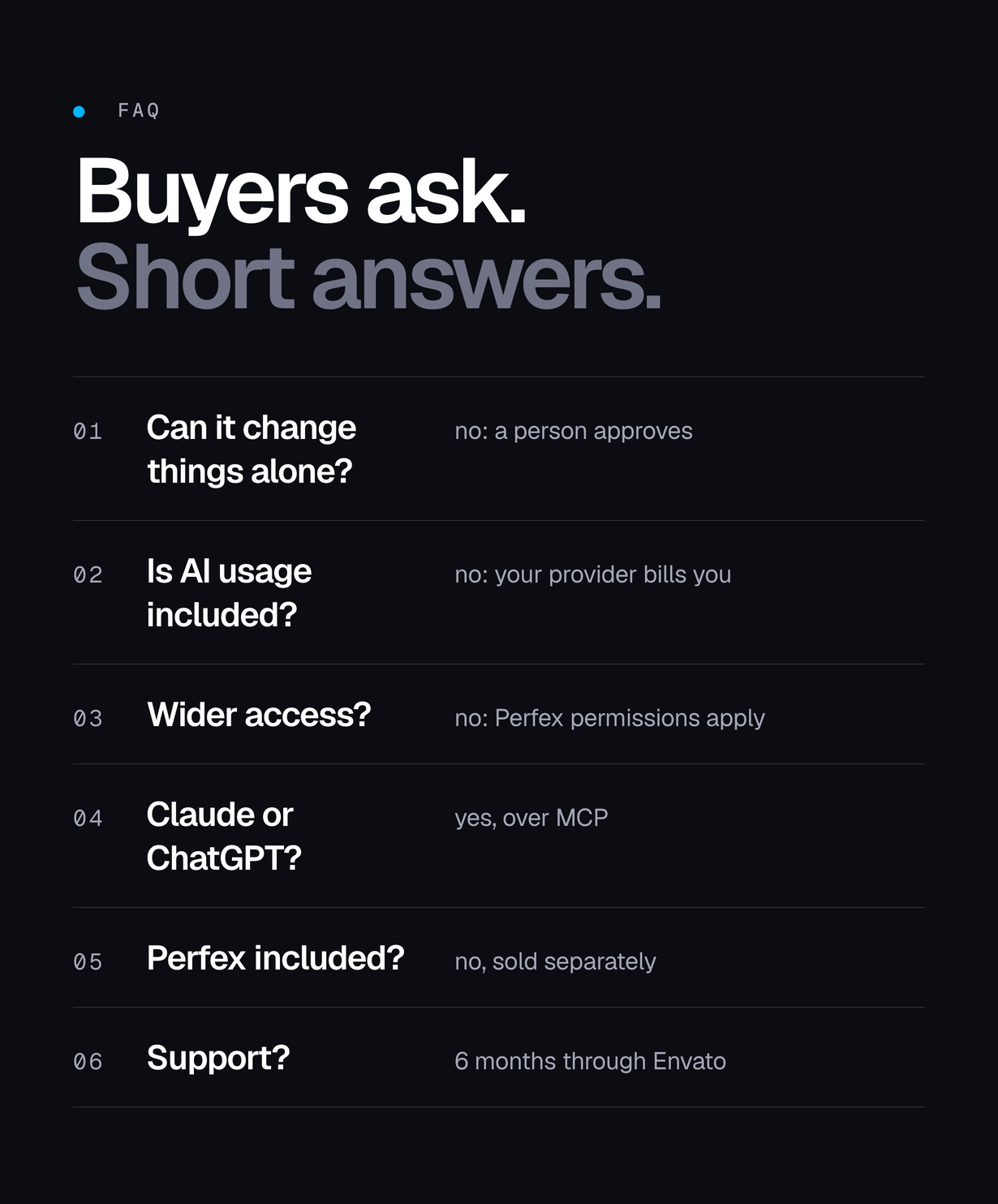
FAQ
Can the AI change my CRM on its own?
No. Every change becomes a request in the approval queue and is applied only when a person with the right Perfex permission approves it. The one exception is opt-in: an administrator may tick “apply without approval” for individual low-risk tools (such as an internal note); those requests are still recorded in the audit trail, and requests from automations and external AI apps always wait for a person.
Is AI usage included?
No. You connect your own Anthropic, OpenAI or OpenRouter account and the provider bills you per token. Spending limits stop the agent when a limit is reached. Ollama on your own server has no per-token cost.
Can staff see more than before?
No. The agent uses each staff member’s Perfex permissions and the row rules Perfex applies, so it reads and proposes only what that person could already see and change.
Does it work with Claude, ChatGPT or Cursor?
Yes, through the built-in MCP server with scoped API keys or OAuth. Whatever an external app wants to change goes to the same approval queue.
Does it delete records or move money?
No. Version 1.0 has no delete actions and nothing that moves money.
Is Perfex CRM included?
No. Perfex CRM is sold separately and is not made or endorsed by MIKODES. Steward AI is a module you install into your own Perfex 3.2+.
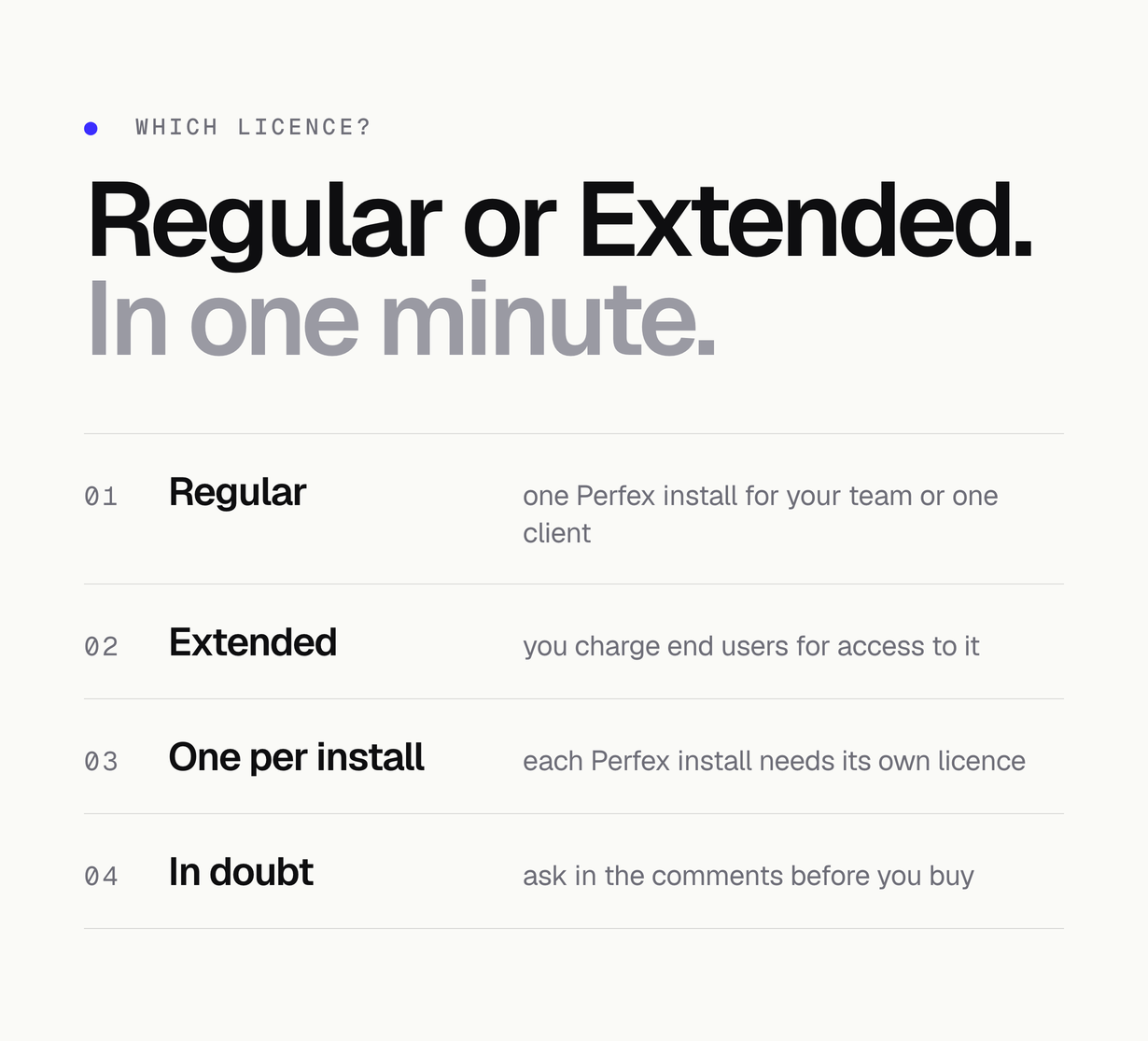
Which licence do I need?
A Regular licence for one Perfex install used by your team or one client. If you charge end users for access to it, you need the Extended licence.
Declarations
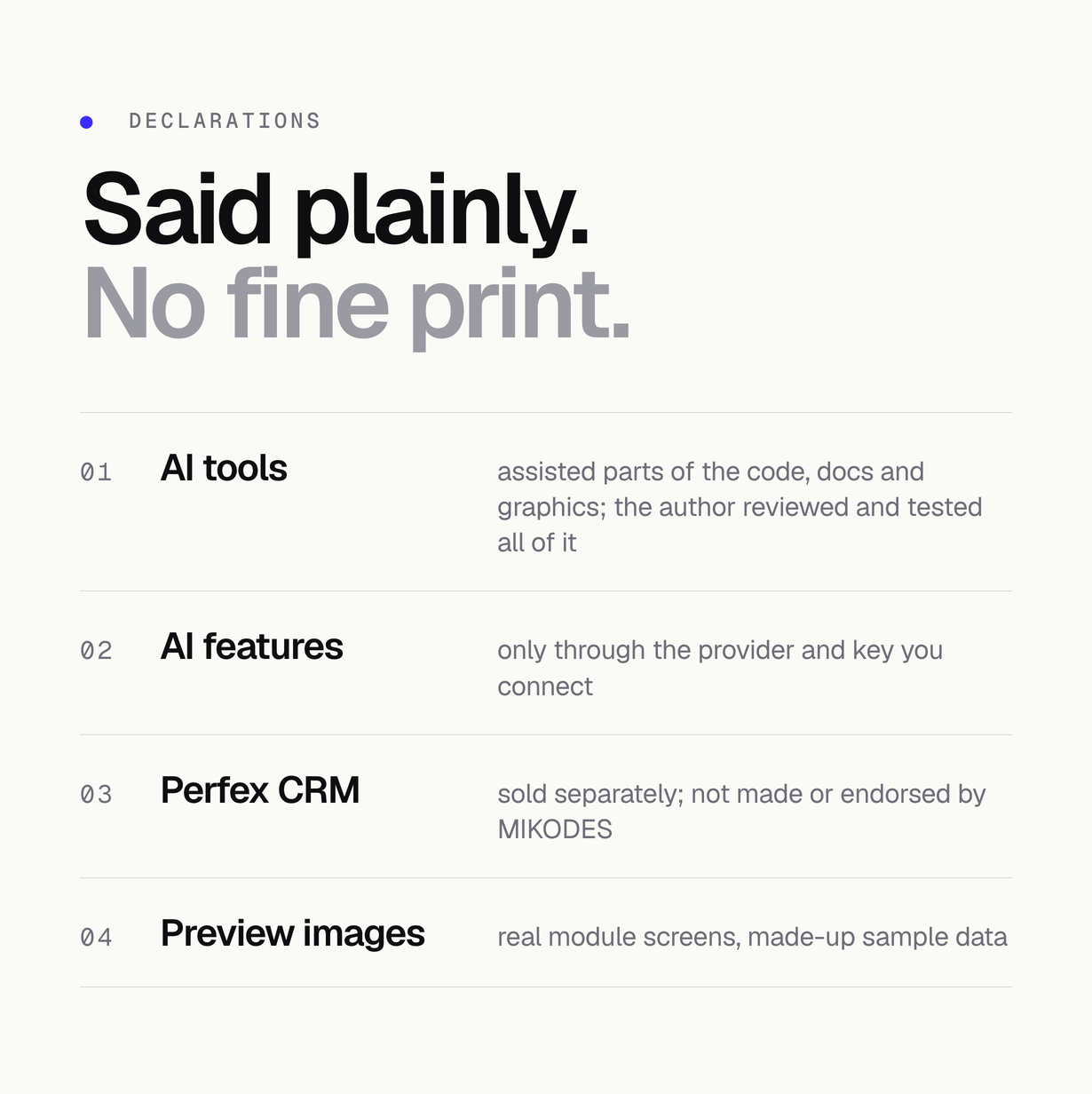
- AI tools: AI tools were used to assist with parts of the code, documentation and graphics of this item. The author directed, reviewed and tested every part before release.
- AI features: the module uses AI at run time only through the provider and key you connect (Anthropic, OpenAI, OpenRouter, an OpenAI-compatible API or your own Ollama). Provider usage is billed by the provider and is not included in the price.
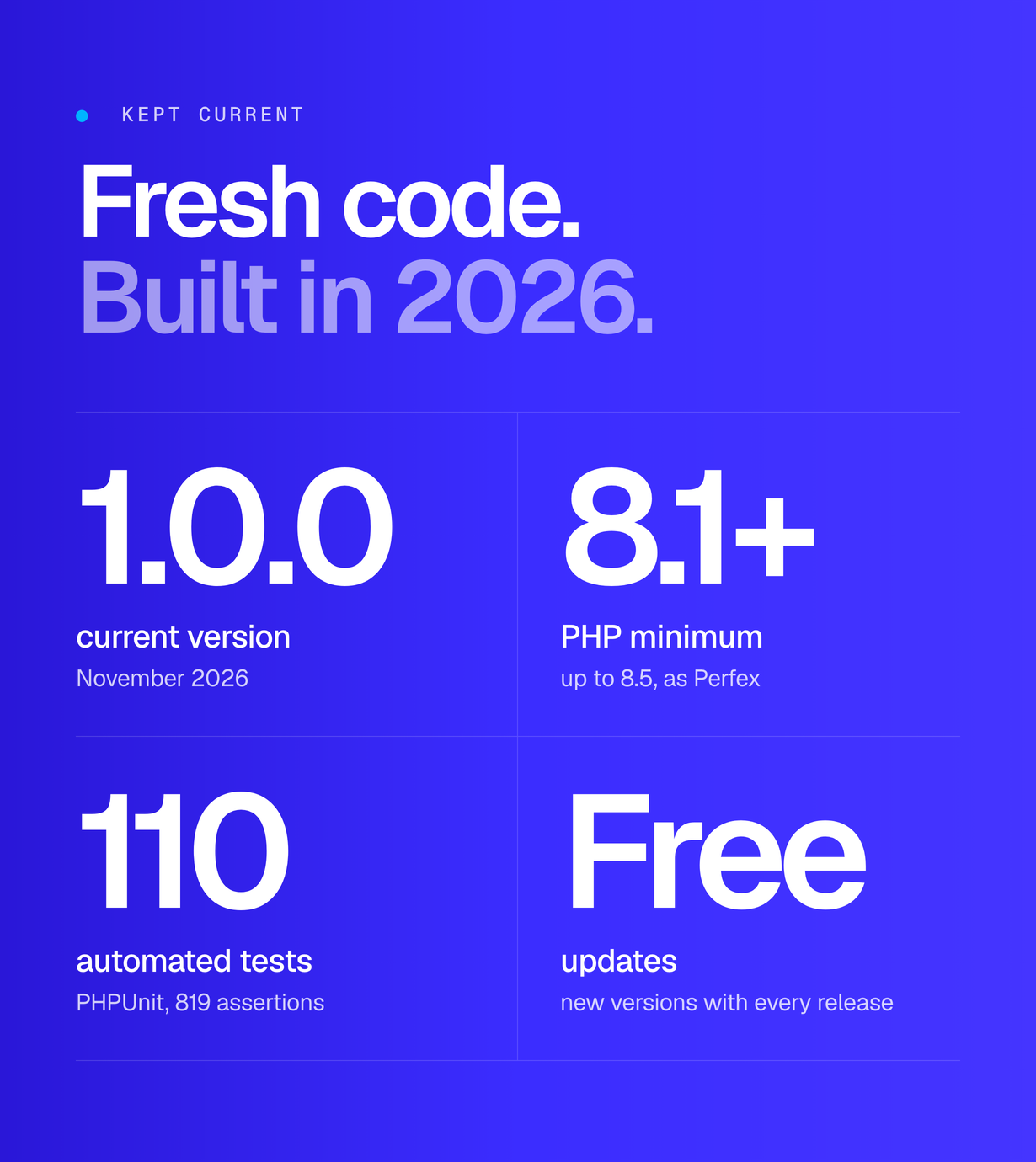
- Testing: 110 automated PHPUnit tests and a development harness that runs the module’s real files; connect and test your AI provider and notification webhooks with your own accounts.
- Not affiliated: Perfex CRM is sold separately and is not made or endorsed by MIKODES. Anthropic (Claude), OpenAI (ChatGPT), OpenRouter, Ollama, Cursor, Slack, Microsoft Teams and Discord are third parties, named only to say what this module connects to; the marks belong to their owners.
- Preview images: real module screens with made-up sample data, shown in a neutral admin frame labelled “Demo · sample data”. Device frames are illustrations.
Requirements
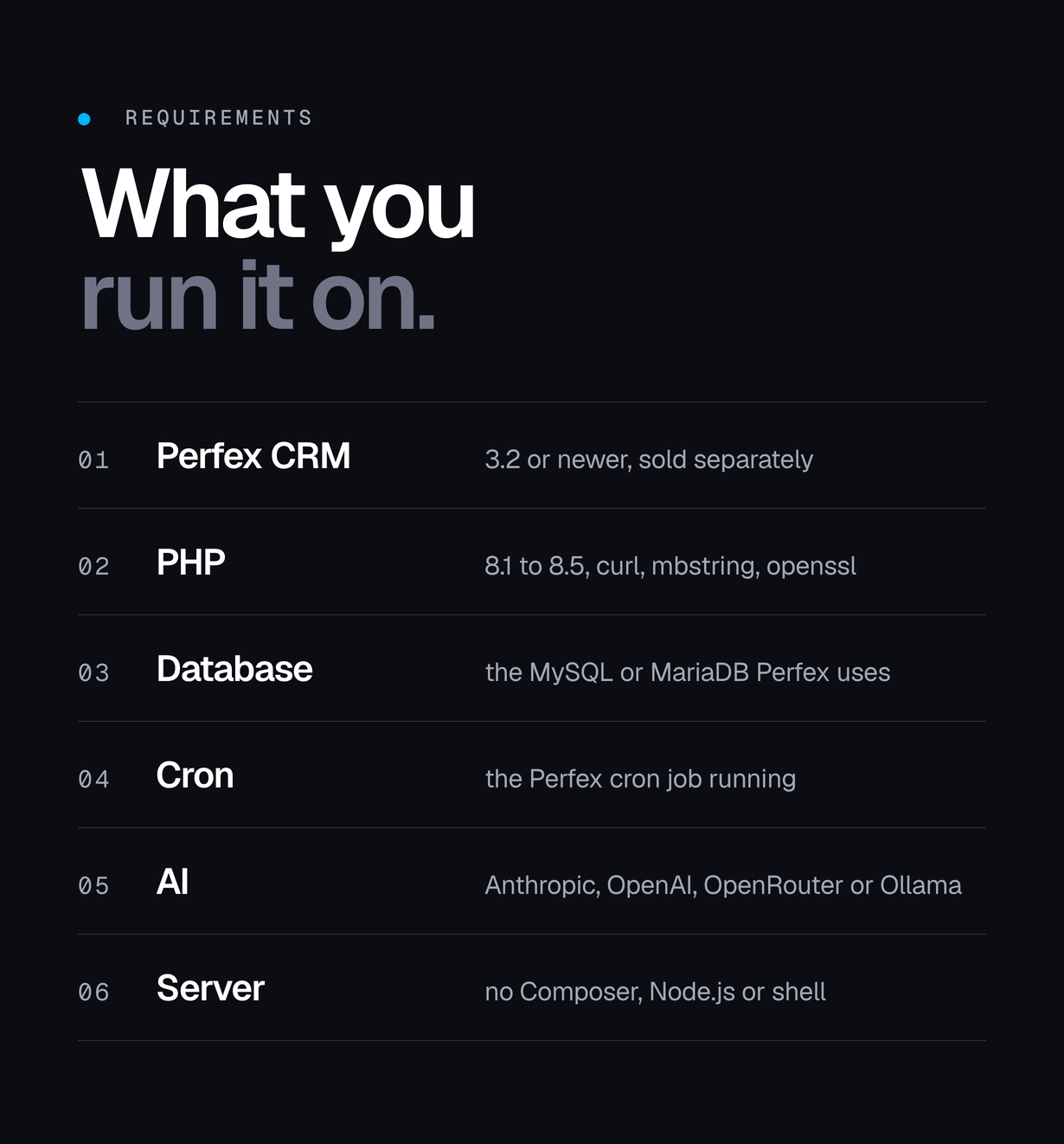
- Perfex CRM 3.2 or newer (built for the 3.x module API; Perfex is sold separately)
- PHP 8.1 to 8.5 with curl, json, mbstring and openssl (already required by Perfex)
- MySQL 5.7+ or MariaDB 10.3+, the database your Perfex install already uses
- The Perfex cron job running (automations and expiry of old requests)
- An account with Anthropic, OpenAI or OpenRouter, or an Ollama server you run yourself
- For Claude custom connectors over OAuth: a public HTTPS address
- No Composer, Node.js or shell access needed on the server
Changelog
v1.0.0 (November 2026, first release)
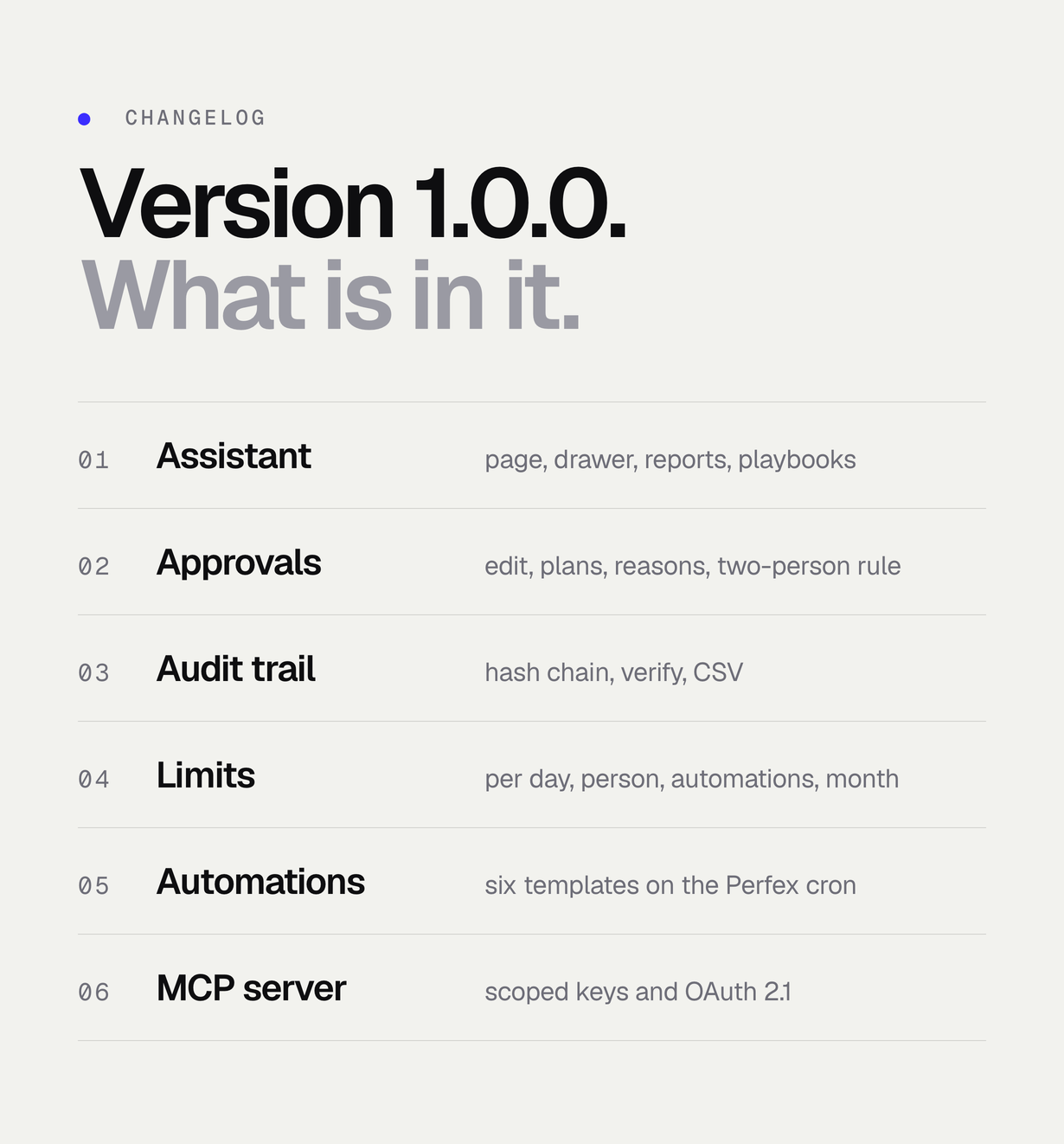
- Assistant and drawer, home briefing.
- Approval queue with edit, plan approval and reasons.
- Audit trail.
- Spending limits.
- Automations (new lead, new ticket, payment, overdue invoices, overdue tasks, daily brief).
- Team chat notifications.
- Reports, duplicates and knowledge base tools.
- MCP server with keys and OAuth.
- Team playbooks (/ menu).
- Opt-in apply-without-approval rules for low-risk tools.
- Answers in each staff member’s Perfex language.


