
Login to your account!
Join the World's Largest Web App Marketplace!
Great to see you here!
Let’s set up your account in just a couple of steps.
Forgot password?
Enter your username or email to reset your account.
Risk Management for Perfex CRM - ERM Register, KRI Alerts & Heatmap
By : GreenTech_Solutions Published On Thursday, November 12, 2026, 07:49 In PHP Scripts

Note: This is a module for Perfex CRM. Not a standalone script.
Brief description
Risk Management brings enterprise risk governance inside Perfex CRM. Risks live in a central register with an owner and a linked business object; assessments score them on an Impact × Likelihood matrix; key risk indicators pull real numbers out of the modules you already run and raise warning and critical alerts on their own; action plans treat the risk and are rated for the reduction they actually delivered; and when something does go wrong, the loss event is recorded, investigated and costed. The executive dashboard and 5×5 heatmap put the whole picture on one screen.
The module follows the structure of ISO 31000 and the COSO ERM framework: a configurable matrix, defined risk levels, assigned ownership, documented treatment and measured effectiveness.

What you get
- A centralized risk register with full lifecycle tracking on one record.
- Quantitative scoring on a 3×3, 4×4 or 5×5 matrix you configure yourself.
- Key risk indicators fed automatically from integrated Perfex modules, with warning and critical thresholds.
- Automated responses: status changes, suggested action plans and notifications when a threshold is crossed.
- Loss events with impact analysis, root cause analysis and contributing factors.
- An executive dashboard with eight KPI cards, a 5×5 heatmap and distribution and trend charts.
Module Features
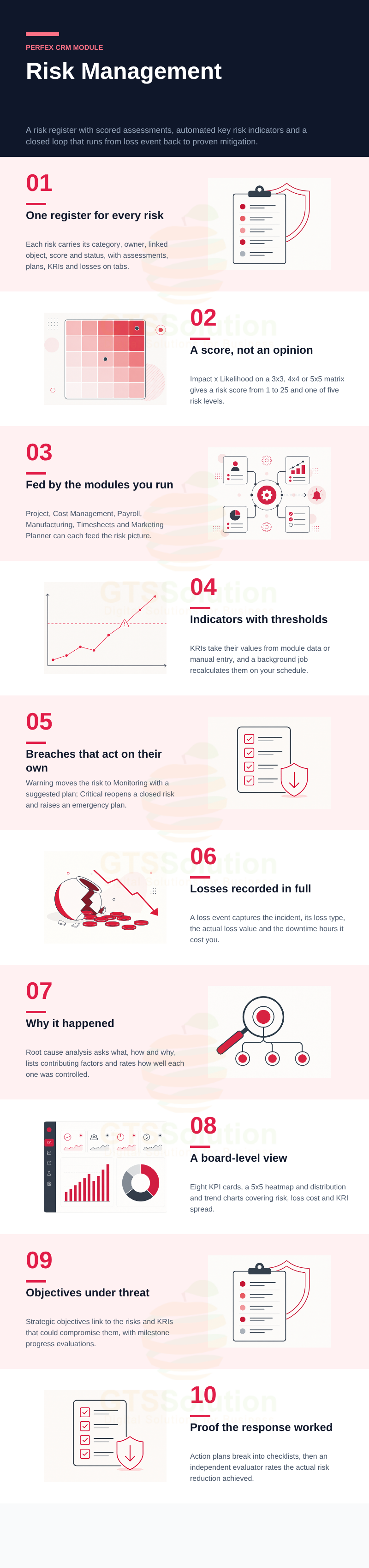
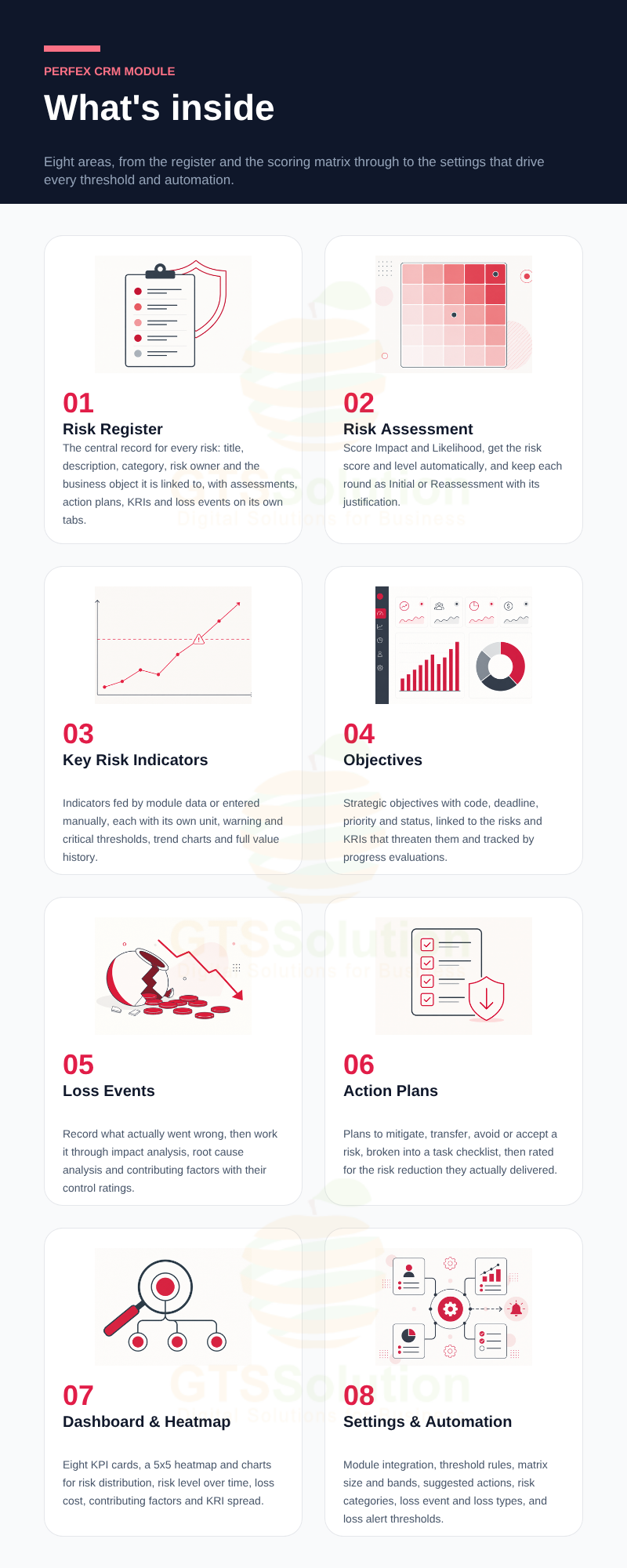
- Risk Register — The central record for each risk: title, description, category, risk owner and the business object it is linked to, with risk score and status on the list and filters across the whole register.
- Risk detail with linked records — One page per risk carrying its assessments, action plans, KRIs and loss events on their own tabs, so the full history sits in one place.
- Risk Assessment and scoring — Select Impact and Likelihood and the module calculates Risk Score = Impact × Likelihood, from 1 to 25, with a business justification recorded alongside.
- Impact and Likelihood scales — Impact runs Insignificant, Minor, Moderate, Major, Catastrophic; Likelihood runs Rare, Unlikely, Possible, Likely, Almost Certain.
- Risk level bands — Scores map to Very Low, Low, Medium, High and Very High, with the score ranges and identification colours configurable in Settings.
- Initial and reassessment rounds — Every assessment is classified as Initial or Reassessment, so the full history of how a risk has moved over time is auditable.
- High-risk notification — When an assessment lands a risk in the High or Very High band, the module sends a web notification to the risk owner.
- Key Risk Indicators — Define the indicators that act as your early-warning sensors, each with its own measurement unit, whether a percentage or a count.
- Manual and module data sources — An indicator either takes values a specialist enters periodically, or is computed automatically from an integrated module’s operational data.
- Business module integration — Turn integration on per module in Settings so Risk Management can read from Cost Management, Payroll Management, Manufacturing Management, Timesheet & Leave Management, and Marketing Planner, and link real objects such as projects, budgets and manufacturing orders into risk records.
- Scheduled recalculation — A background cron job collects the operational data and recomputes indicator values on a daily, weekly or monthly cycle, so nobody has to gather numbers by hand.
- Warning and critical thresholds — Set both thresholds per indicator and activate each one individually in the KRI Threshold Rules settings.
- Automated response on warning — Crossing the warning threshold moves the risk register’s status to Monitoring, generates a suggested action plan and notifies the risk manager and owner.
- Automated response on critical — Crossing the critical threshold reopens the risk if it had been closed, generates an emergency action plan where none exists, and sends the corresponding notification.
- Suggested Action rules — Map Risk Type to KRI Name to risk level, and store the standard response text that the module should raise at warning or critical.
- Historical trending — Each KRI has a current-value line chart across measurement rounds and an indicator-rating chart showing movement between Normal, Warning and Critical.
- Value history table — Every update is logged with its measured value, effective date and the risk tier it fell into, with filters by status, override and date range.
- Indicator rating override — When a specialist sees something the automated data does not capture, they can set Override Required and assign Normal, Warning or Critical directly, with a written justification.
- Objectives — Record strategic objectives with their code, deadline, priority and status.
- Objectives linked to risk — Each objective shows the risks and KRIs that could compromise it, along with its action plans and progress evaluations, so leadership can see which objectives are actually threatened.
- Loss Events — Record incidents that caused asset loss, reputational damage or operational disruption, with the estimated loss and severity declared on the form.
- Impact analysis — Capture the impacted department, the loss type, the actual loss value and the downtime hours, with a financial impact chart by loss type and automatic loss variance calculation.
- Root cause analysis — Work through what happened, how it happened and why it happened, then record the improvement recommendation that should prevent a recurrence.
- Contributing factors — Catalogue the factors behind an incident, such as human error, inadequate training or a software limitation, and rate each as Well Controlled, Inadequate Control or No Control.
- Action Plans — Create plans to mitigate, transfer, avoid or accept a risk, with priority and ownership.
- Task checklists — Break a plan into concrete steps that assignees tick off as they are completed, so progress is visible rather than assumed.
- Action effectiveness evaluation — After execution, an independent evaluator records the risk reduction achieved as No Change, Minor Reduction or Significant Reduction, with comments, evaluator name and date.
- Effectiveness distribution chart — The module plots the enterprise-wide spread of effectiveness ratings, giving an objective record for audit cycles.
- Executive dashboard — Eight KPI cards: total active risks, high-level risks, risks without an action plan, total loss amount, percentage of reopened risks, KRIs missing current-period values, KRIs over threshold and overdue action plans.
- Risk heatmap — A 5×5 matrix plotting every active risk by Impact and Likelihood, so concentrations of exposure are visible at a glance.
- Analytical charts — Risk distribution, risk level over time, loss cost by risk type and by loss event type, contributing factors distribution and KRI distribution.
- Risk Evaluation Matrix settings — Choose the matrix size, define every tier of the Impact and Likelihood scales, and set the score bands and colours for the five risk levels.
- Classification catalogues — Maintain your own risk categories with icons and colours, loss event types such as internal fraud or workplace safety, and loss types such as operational costs or fines and penalties.
- Loss alert thresholds — Set a monetary warning threshold per module and choose which recipients are notified when cumulative actual loss passes it.
- Permission settings — Control who can see and work with each part of the module.
Good to know before you buy
- Automatic KRI values come from the Perfex modules you have integrated. Cost Management, Payroll Management, Manufacturing Management, Timesheet & Leave Management, and Marketing Planner are separate modules — if you do not run one of them, the indicators that depend on it will not have a data source, and you would use manual indicators instead.
- Automatic recalculation depends on your Perfex cron job being configured and running on the server.
- Alerts are delivered as in-app web notifications to the assigned risk owner and manager.
- The module records and quantifies risk; it does not forecast future risk or decide anything on your behalf. Suggested action plans are generated from the response templates you configure.
- ISO 31000 and COSO ERM describe the structure the module follows. Implementing the module is not in itself a certification, and your own policies and scales still need to be configured.
Demo
Set-up
Included documentation will help you upload and activate the module inside Perfex CRM, if you are not aware on how to do it.
Support
Our support team is always around to help. Feel free to raise a support ticket.
Guys from support department will get back to you as soon as possible with a reply, guiding you through any issues.
Changelog
Version 1.0.0 / 2026-10-28
Initial version


