
Login to your account!
Join the World's Largest Web App Marketplace!
Great to see you here!
Let’s set up your account in just a couple of steps.
Forgot password?
Enter your username or email to reset your account.
Performance Appraisal for Perfex CRM - Reviews, KRA & Competency
By : GreenTech_Solutions Published On Thursday, November 12, 2026, 07:48 In PHP Scripts
Note: This is a module for Perfex CRM. Not a standalone script.
Brief description
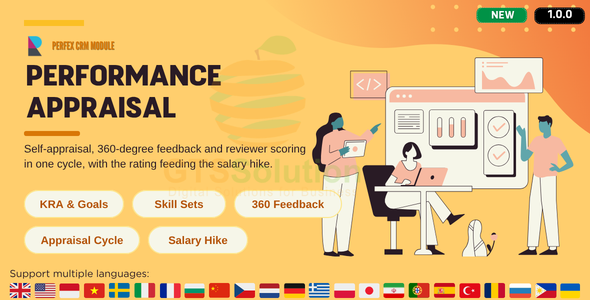
Performance Appraisal turns the yearly review from a spreadsheet exercise into a process your staff can actually follow. Set up KRAs, skill sets and competencies once, run an appraisal cycle with self-assessment, 360-degree peer feedback and reviewer scoring, and let the module work out the final score and rating for you.
When the rating is settled, the same cycle can feed a salary hike cycle: allocated percentage, proposed amount, justification and revised salary, written back into each employee’s salary history. Every employee gets a personal workspace where their goals, skills and feedback live all year, not just at review time.

What you get
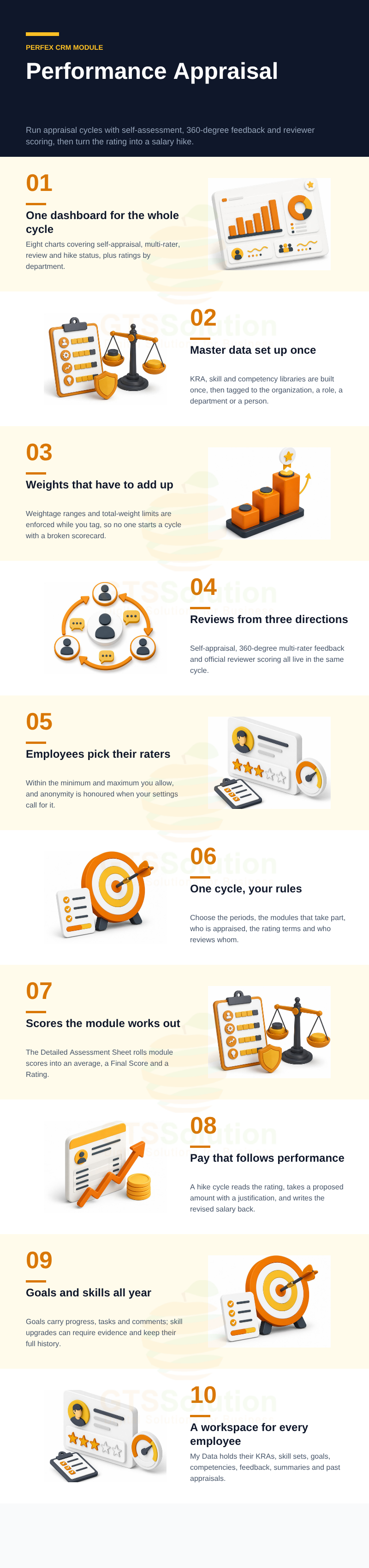
- One set of master data. KRA, skill and competency libraries are configured once and tagged to the whole organization, a role, a department or a single employee.
- Reviews from more than one angle. Self-appraisal, multi-rater peer feedback and official reviewer scoring sit in the same cycle.
- Weighted scoring that adds up. Weightage rules and total-weight limits are enforced as you tag, so the final score is defensible.
- Pay linked to performance. A completed appraisal rating can drive the salary hike cycle, and the revised salary flows back into salary history.
- A workspace for every employee. My Data keeps KRAs, skill sets, goals, competencies, feedback and past appraisals in one place.
- Eight dashboard charts and three reports. Process status, ratings by department, feedback types, appraisal scores and salary hike status.
Module Features
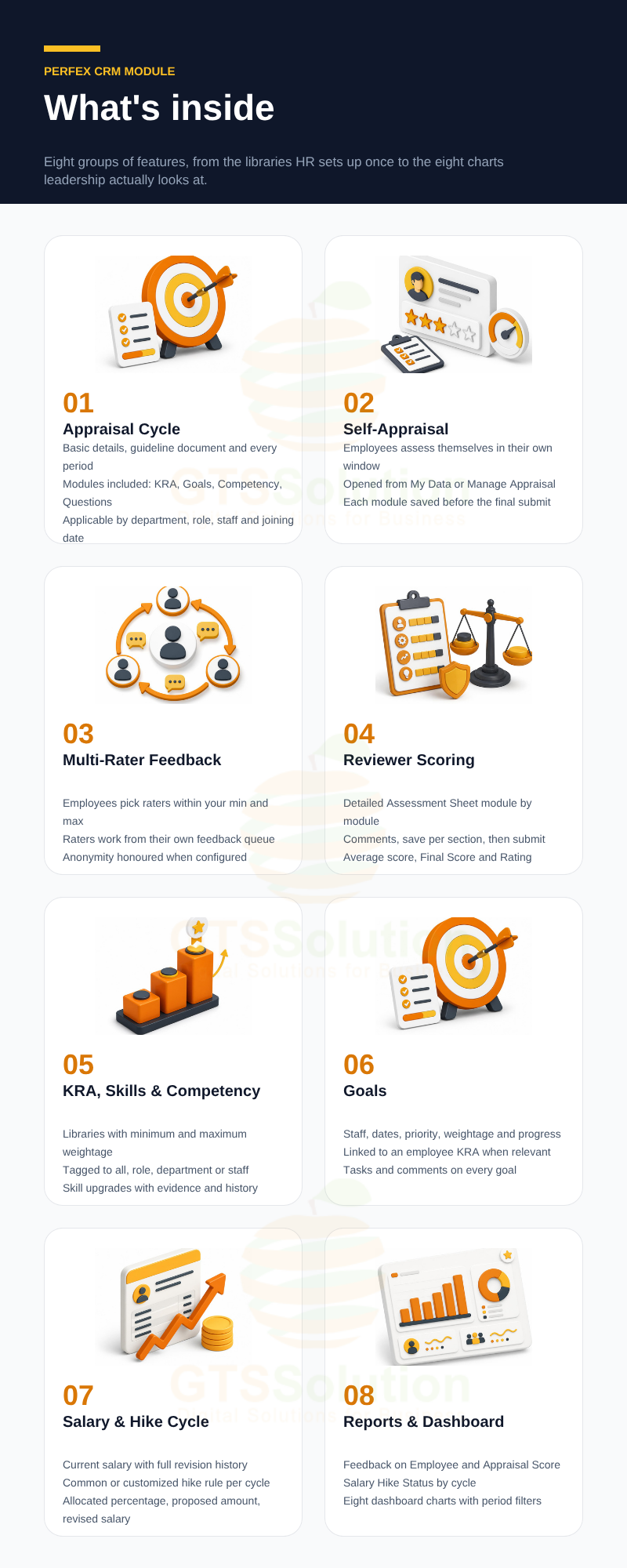
- Performance Dashboard — eight charts with Period, Appraisal Cycle and Employee filters: Self-Appraisal Status, Multi-Rater Status, Review Status, Salary Hike Status, Appraisal Ratings, Department Appraisal Ratings, Feedback Types and Department Feedback Types.
- KRA Library and Tagging — build a library of Key Result Areas with minimum and maximum weightage, then tag them to All, a Role or specific Staff with a total-weight alert as you go.
- Employee KRAs — add a KRA directly to an employee with its own name, description and weightage, and optionally push it into the organization’s KRA library for reuse.
- Skill Library and Skill Sets — maintain standardized skills, assemble them into skill sets with weightage, and assign the sets to employees.
- Skill Upgrades with Evidence — upgrade an employee’s skill level with an attachment and a reason when your settings require them, and keep the full upgrade history.
- Skill Levels — define your own levels with a name and colour so progression is readable at a glance.
- Competency Library and Tagging — manage behavioural competencies with min and max weightage and tag them to All, Role, Department or Staff.
- Goals — create goals with staff, start and due date, priority, weightage, progress and an optional link to an employee KRA, then track tasks and comments on each one.
- Review Questions — keep a library of essay questions and target them to All, Role, Departments or Staff for a given cycle.
- Summary Questions — configure the questions employees answer about themselves in My Data.
- Feedback — feedback categories with their own icon and colour, a scope of Department or Organization, an anonymous option, and separate Received and Given views.
- Appraisal Cycle — create a cycle with basic details and a guideline document, then set the process period, self-appraisal period, multi-rater period, review period and salary hike linkage.
- Modules to Be Included — decide per cycle whether KRA, Goals, Competency, Review Questions, Rating and Comment take part.
- Participant Targeting — choose who is appraised by Department, Role, Staff and Date of Joining, then include or exclude individual employees before you start.
- Rating Terms and Scoring Rules — define star-based rating terms, round off the score, and decide whether modules with no data count.
- Self-Appraisal — employees complete their own assessment inside the configured window.
- 360-Degree Multi-Rater Feedback — employees pick their raters within the minimum and maximum you allow, and raters evaluate them from their own work queue, with anonymity honoured when configured.
- Reviewer Scoring — the reviewer reads the self-appraisal and multi-rater results, scores each module in the Detailed Assessment Sheet, leaves comments, and submits; the module computes the average score, Final Score and Rating.
- Change Reviewer — reassign the reviewer for a specific employee when someone leaves or is unavailable.
- Employee Salary — record a current salary, revise it with the difference and percentage calculated automatically, set an effective date and reason, and keep the full salary history.
- Salary Hike Cycle — a hike appraiser, a common or customized hike rule, participant targeting and a period. Allocated hike percentage and amount come from the appraisal rating; the appraiser enters the proposed amount with a justification and the module calculates the revised salary.
- My Data — each employee’s own space for KRAs, Skill Sets, Goals, Competencies, Feedback, Summaries and Appraisal Data.
- Work Queues — separate tabs for reviewers, hike appraisers, multi-raters and employee appraisal, so everyone sees only what is waiting on them.
- Reports — Feedback on Employee, Appraisal Score and Salary Hike Status, each with a period filter.
- Granular Permissions — Own or Global visibility plus create, edit and delete rights across Settings, KRAs, Skills, Competency, Goals, Employee Salary, Appraisal Cycles, Salary Hike Cycles, Appraisal, My Data, Reports and Dashboard.
Good to know before you buy
- The module is installed inside Perfex CRM and uses your existing staff, roles and departments.
- Salary Hike only appears once Salary is enabled in Settings, and an employee needs a current salary record before a hike can be calculated for them.
- Weight limits for KRA, Skill Set and Competency are configured in Settings and enforced when you tag, so plan your weighting rules before the first cycle.
- Anonymous feedback and anonymous multi-rater behaviour follow your Settings and cycle configuration.
Demo
Set-up
Included documentation will help you upload and activate the module inside Perfex CRM, if you are not aware on how to do it.
Support
Our support team is always around to help. Feel free to raise a support ticket.
Guys from support department will get back to you as soon as possible with a reply, guiding you through any issues.
Changelog
Version 1.0.0 / 2026-10-27
Initial version


