
Login to your account!
Join the World's Largest Web App Marketplace!
Great to see you here!
Let’s set up your account in just a couple of steps.
Forgot password?
Enter your username or email to reset your account.
Coinbase for GoBiz Digital Business Card Maker
By : NativeCode Published On Thursday, November 12, 2026, 07:48 In PHP Scripts


⚠️ IMPORTANT NOTICE: This is NOT a Standalone Script!
This product is an addon/plugin designed exclusively for GoBiz – vCard SaaS Digital Business Card Builder . You must purchase and install the main script first to use this Coinbase addon.

What Is Coinbase for GoBiz Digital Business Card Maker?
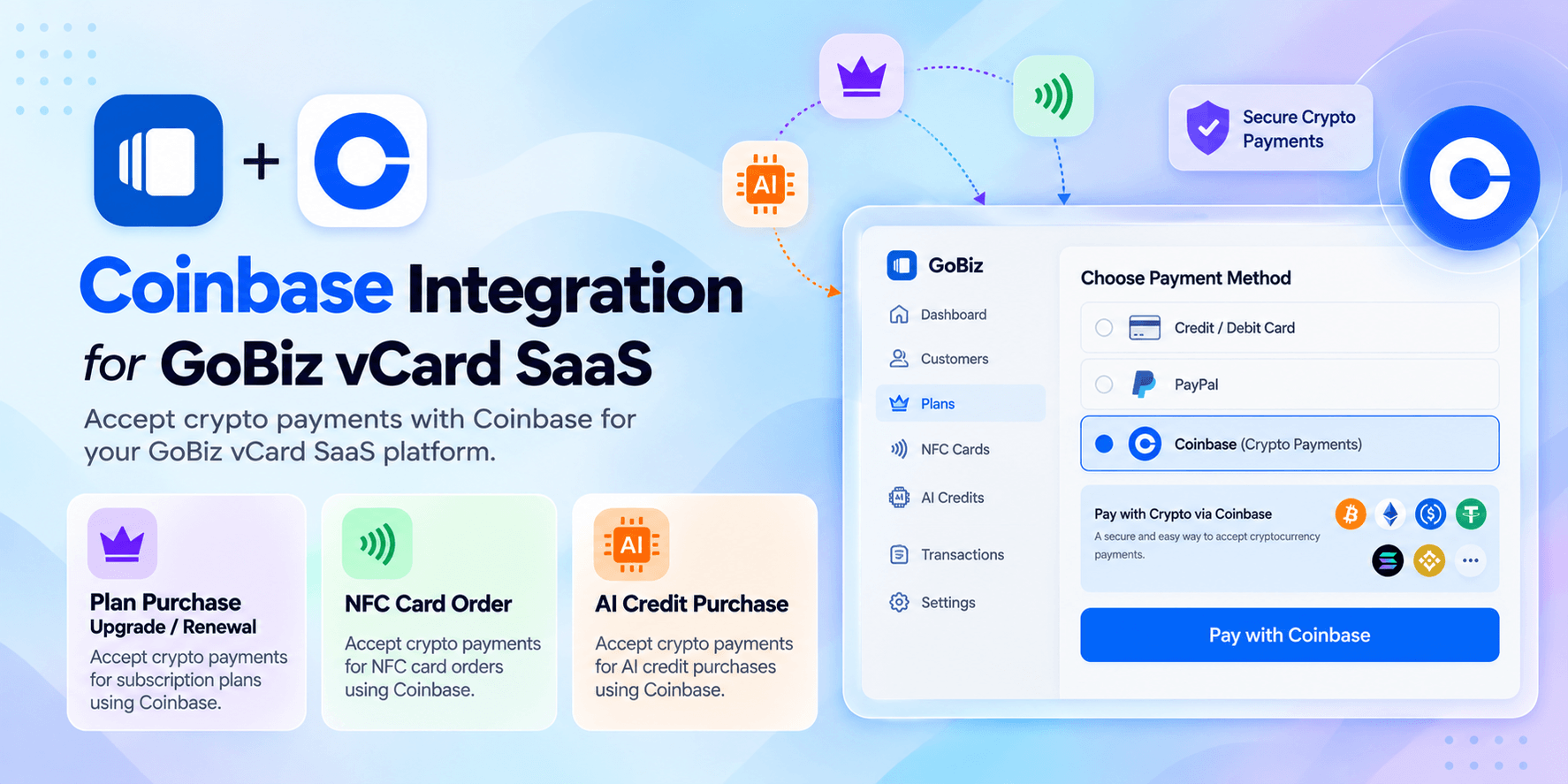
Coinbase for GoBiz Digital Business Card Maker is a payment gateway addon that integrates Coinbase payment processing into your GoBiz vCard SaaS platform. It provides an additional payment option for eligible plan purchases, renewals, AI credit purchases, and NFC card orders, depending on your configured payment workflow.
How It Helps You as a Platform Owner
Managing a SaaS platform involves processing payments for subscription plans, renewals, AI credits, and NFC card orders. Integrating Coinbase into GoBiz gives your customers another payment option while allowing you to manage the integration through your existing admin panel.
- Flexible Payment Options: Add Coinbase alongside your existing supported payment gateways.
- Plan Purchases and Renewals: Accept payments for eligible subscription transactions through the configured integration.
- AI Credit Purchases: Support eligible AI credit payments through the integrated payment workflow.
- NFC Card Orders: Provide an additional payment option for eligible NFC card purchases.
- Centralized Configuration: Manage Coinbase integration settings through your GoBiz Admin Panel.
Why Choose This Coinbase Addon?
- Additional Payment Gateway: Expand the payment options available to your GoBiz customers.
- Simple Configuration: Follow the provided installation and configuration guides to set up the integration.
- Seamless Integration: Extend your existing GoBiz installation without replacing the main script.
- SaaS Payment Support: Integrate Coinbase into supported GoBiz payment workflows.
Key Features
- Coinbase payment gateway integration for GoBiz vCard SaaS
- Payment support for eligible plan purchases and renewals
- Integration with eligible AI credit purchases and NFC card orders
- Centralized configuration through the GoBiz Admin Panel
- Integration with the existing GoBiz payment workflow
- Dedicated installation and configuration documentation

Installation and Compatibility
Compatible With: GoBiz v21.0.0 and later
Requirements:
- An active Coinbase account with access to the required payment integration
- Valid Coinbase credentials and the required configuration
- An installed and running GoBiz vCard SaaS platform (v21.0.0 or later)
Refer to the following documentation for setup instructions: Installation Guide and Configuration Guide.
How to Configure Coinbase in GoBiz
- Log in to your Coinbase account.
- Obtain the required credentials for the supported payment integration.
- Access your GoBiz Admin Panel.
- Navigate to Plugins → Coinbase and click the Settings icon.
- Enter the required configuration details as described in the documentation.
- Enable the integration and test the payment workflow.
- Click Save to apply your settings.
Change Log
03-Nov-2026 | v1.1.0- Improved & Fixed: Some minor bugs and UI adjustments for a smoother user experience.22-Oct-2026 | v1.0.0
- Initial release


