Login to your account!
Join the World's Largest Web App Marketplace!
Great to see you here!
Let’s set up your account in just a couple of steps.
Forgot password?
Enter your username or email to reset your account.

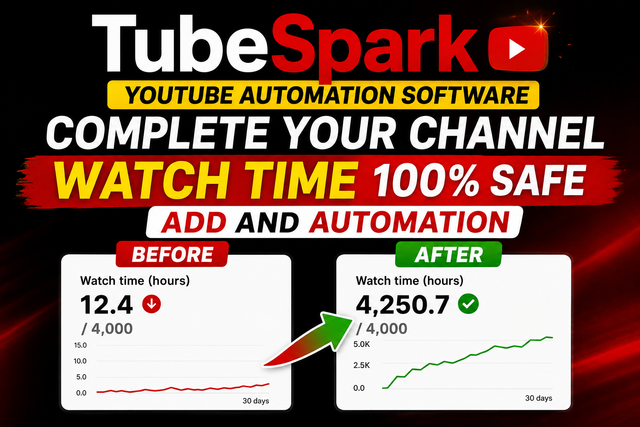
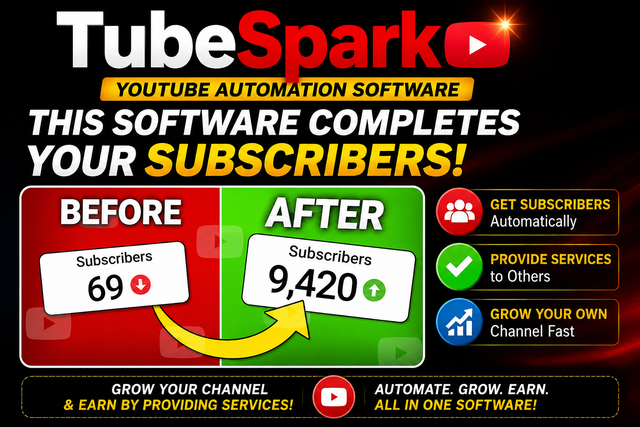

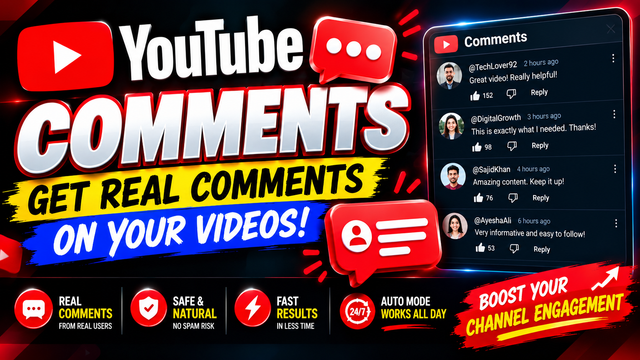

YouTube Automation Software – Views, Watch Time, Likes and Subscribers
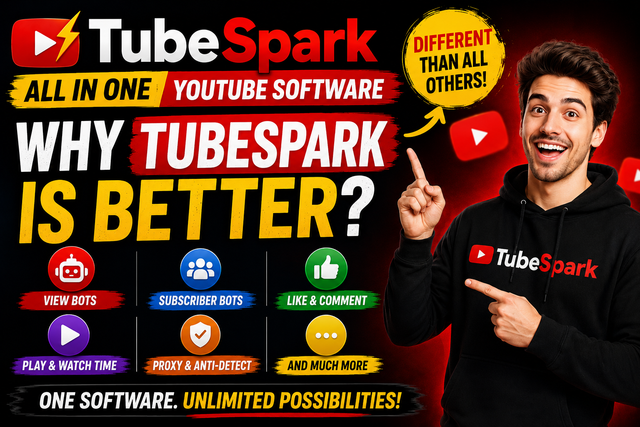
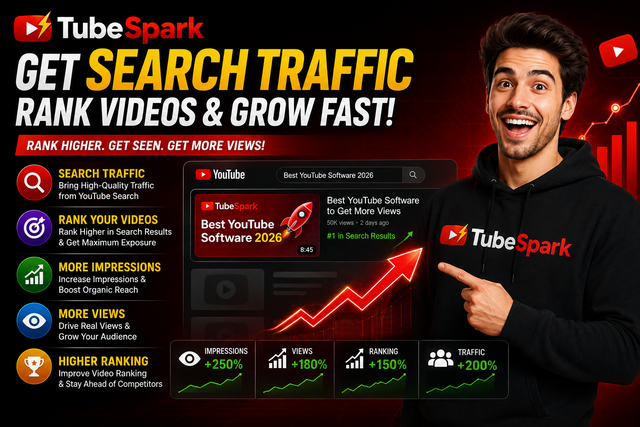
This YouTube automation software is a desktop application designed to help manage and automate YouTube traffic and engagement campaigns, including YouTube views, watch time, likes, comments and subscribers.
Key Features
- YouTube Views
- YouTube Watch Time
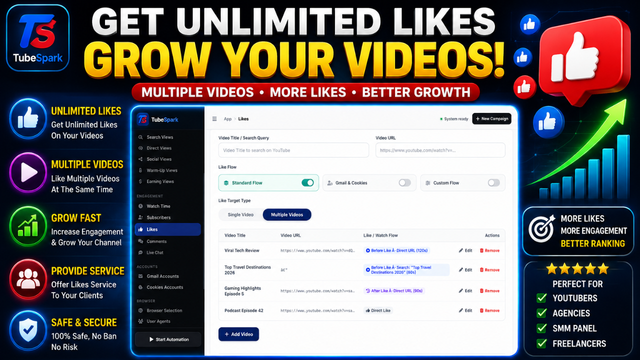
- YouTube Likes
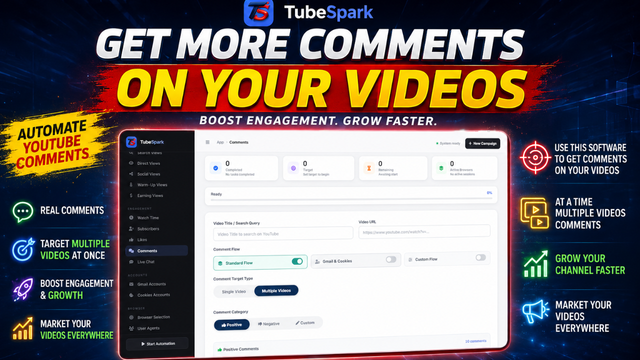
- YouTube Comments
- YouTube Subscribers
- YouTube Engagement Automation
- Multiple Campaign Management
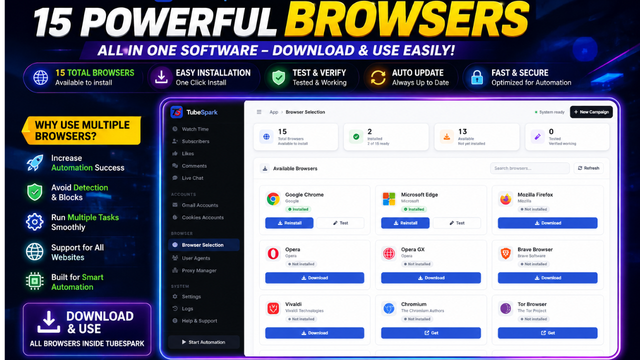
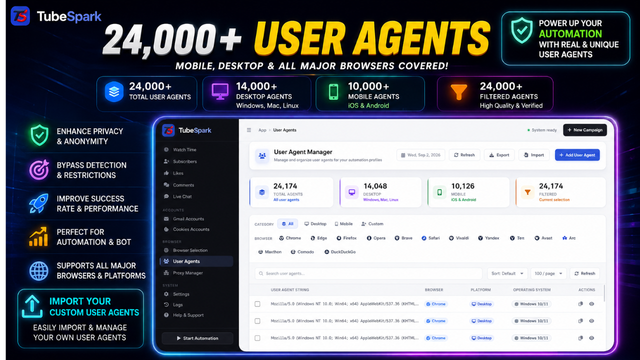
- Browser-Based Automation
- Proxy Support
- Free Proxy Support
- Paid Proxy Support
- Playwright Chromium Automation
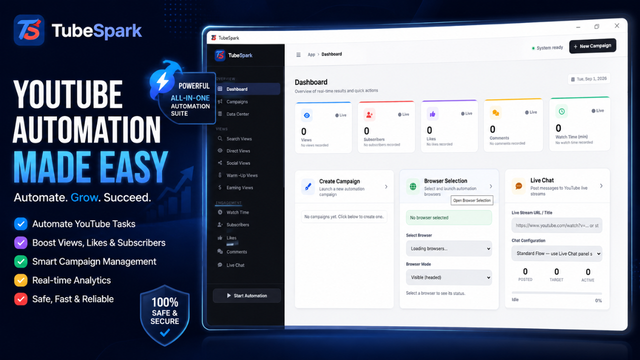
YouTube Views and Watch Time
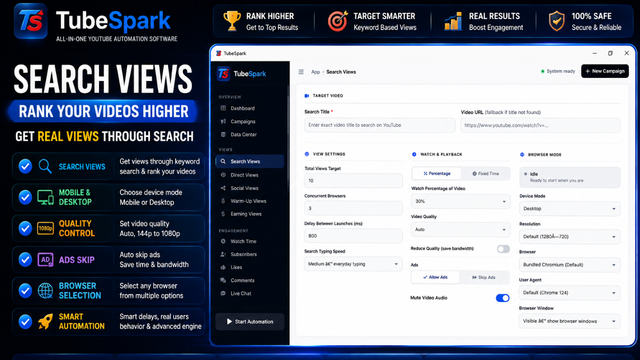
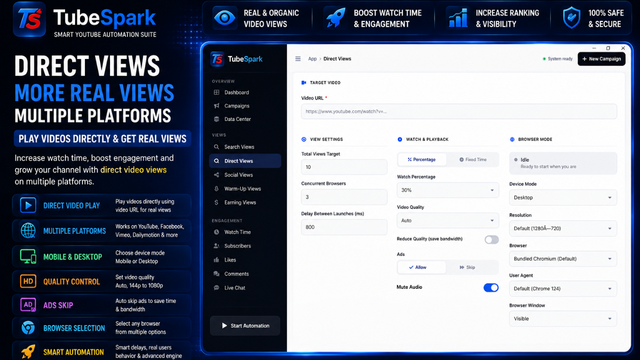
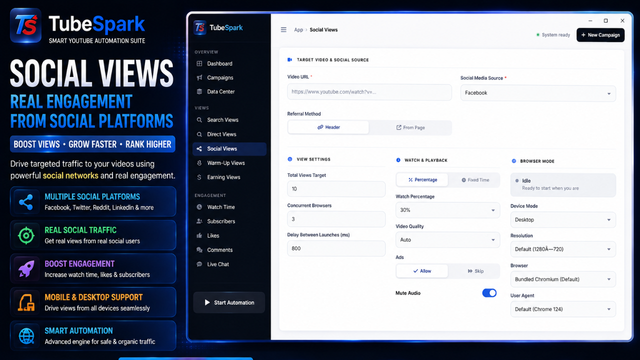
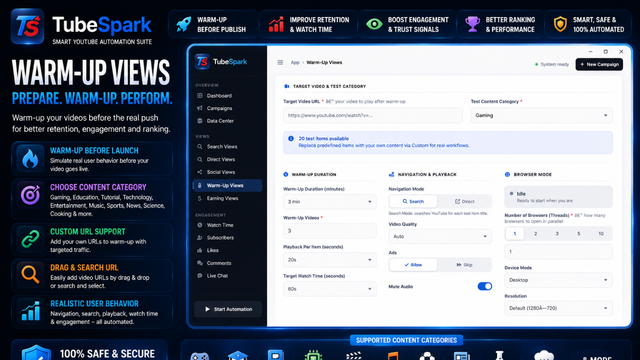
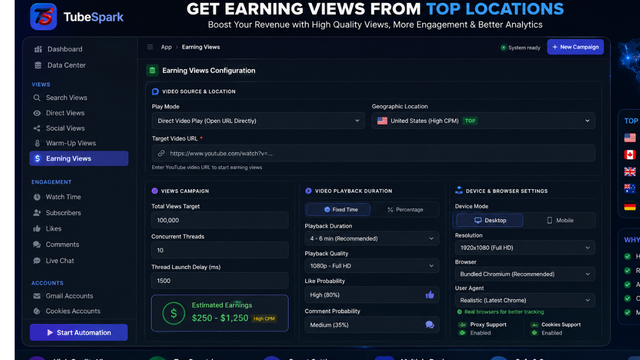
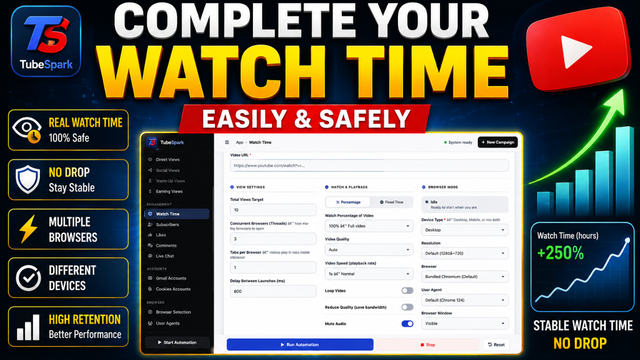
The software provides automation features for YouTube views and watch time campaigns. Users can configure campaigns according to their requirements and manage their YouTube automation tasks from the desktop application.
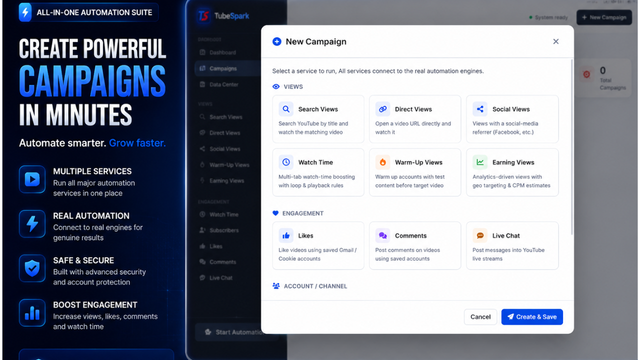
Campaign settings can be configured according to your requirements, allowing you to organize and manage different YouTube automation tasks from one desktop application.
Likes, Comments and Subscribers
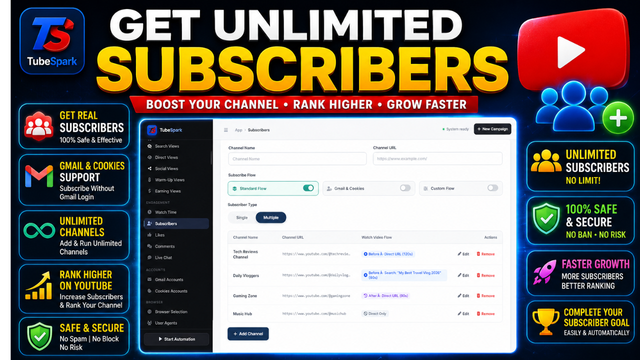
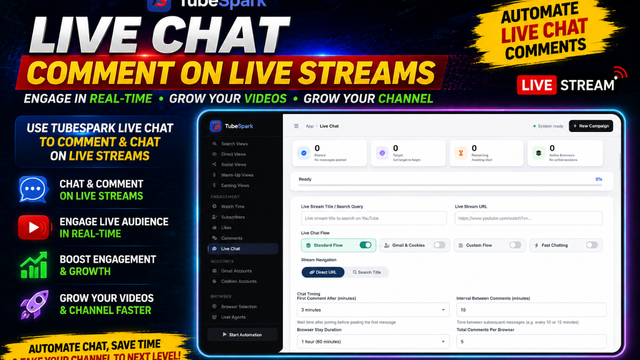
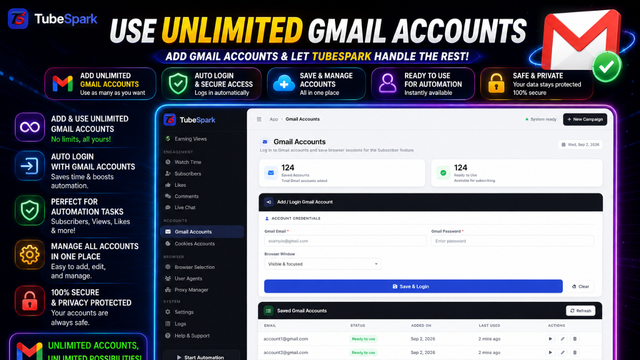
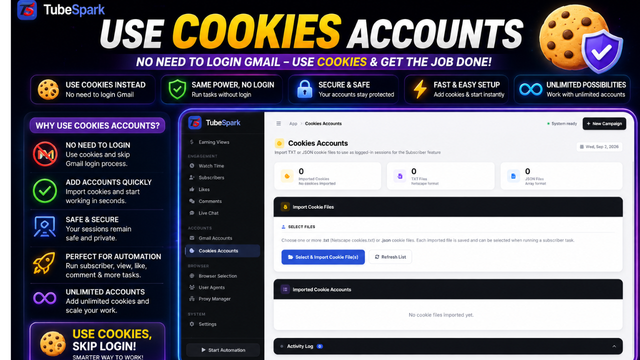
The software also supports YouTube engagement campaigns including likes, comments and subscribers. Gmail accounts may be required for certain engagement and subscriber-related functions.
Gmail accounts are not included with the software. Users who require Gmail accounts must obtain or provide their own accounts separately.
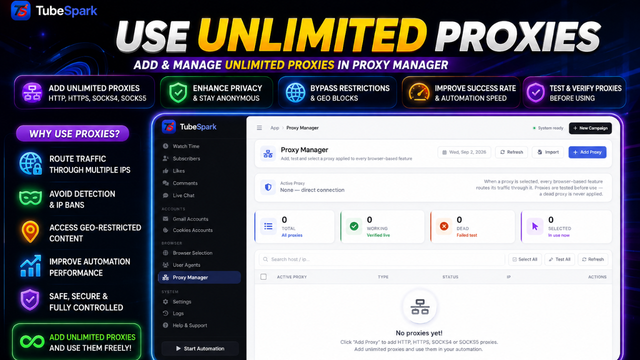
Proxy Support
The software supports both free and paid proxies. Users can configure their preferred proxy sources according to their requirements.
Free proxies can be used where suitable. If you prefer paid or premium proxies, you will need to purchase them separately from your preferred proxy provider.
No Extra Paid API Required
No additional paid API subscription is required for the core functionality of the software. There is no mandatory third-party paid API that users need to purchase separately to use the application.
Proxy services and Gmail accounts are separate resources and are not included with the software.
Technology
The software is developed as a desktop application using Electron with HTML, CSS and JavaScript technologies.
Playwright automation technology is used together with a Chromium browser environment to handle the browser automation processes.
Built with Playwright Chromium
The software uses Playwright Chromium automation for its browser-based tasks. This provides the browser automation environment required for supported YouTube campaigns and automated tasks.
System Requirements
- Operating System: Windows 7, Windows 8, Windows 10 and Windows 11
- Recommended RAM: 8 GB
- Available Storage: Approximately 2 GB free space
- Internet Connection: Required
- Proxy: Optional, depending on your campaign requirements
- Gmail Accounts: Required for supported like, comment and subscriber campaigns
Additional Costs
The software does not require an additional paid API subscription for its core features.
Users may use free proxies or purchase paid proxies separately. Gmail accounts required for certain engagement campaigns must also be provided or purchased separately by the user.
Important Information
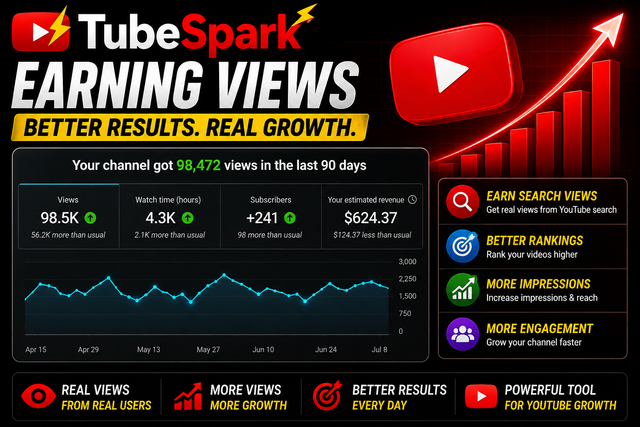
This software is an automation tool. Actual views, watch time, likes, comments and subscriber results may vary depending on your configuration, proxies, accounts, network conditions and external platform behavior.
The software does not guarantee a specific number of views, watch hours, likes, comments, subscribers, revenue or other results.
Why Use This YouTube Automation Software?
- YouTube views automation
- YouTube watch time automation
- YouTube likes and engagement
- YouTube comments and subscriber campaigns
- Free and paid proxy support
- No mandatory paid API subscription
- Playwright Chromium browser automation
- Electron desktop application
- Campaign management from one application
- Compatible with Windows 7, 8, 10 and 11