
Login to your account!
Join the World's Largest Web App Marketplace!
Great to see you here!
Let’s set up your account in just a couple of steps.
Forgot password?
Enter your username or email to reset your account.
Map Route Generator
By : marcobelli Published On Sunday, September 20, 2026, 19:21 In After Effects Project Files
IMPORTANT NOTES:
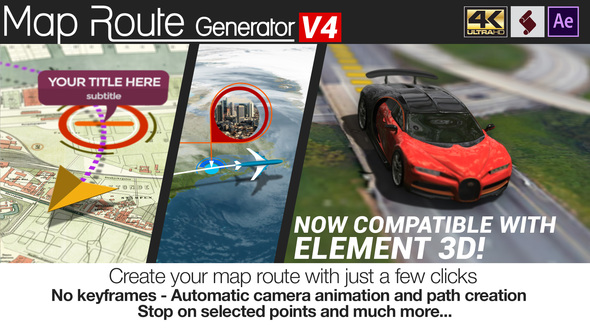
Map Route Generator is a template and script for After Effects only, it is not a standalone software.
Please do not purchase it if you don’t have Adobe After Effects.
 The great advantage of Map Route Generator is that you can create your route in a few minutes, without loosing time moving keyframes or markers.
The workflow is very easy: Import your map, use the script to add your locator and place them in the correct position, select all locators and press the “create path” button!
Basically, the script allows you to control the entire animation: using it, you can set the duration of the animation, decide if you want to stop on a point and set for how long, to leave enough time to read the location description.
Furthermore you don’t need to move the camera manually to set its animation, because the script performs this task automatically!
Map Route Generator is a template based on an After Effects project controlled by the included script.
It includes 3 different auto animation options:
- Follow path: the camera follows the path creation, keeping the altitude and the distance that you set with the slider controls.
- Rotate around tracker: this is similar to the follow path, but the camera also rotates around the tracker.
- Free Camera: in this case the script algorithm calculates the position of your points and creates a free camera movement; if you don’t like the generated camera movement, don’t worry: just press the “Random seed” button and the script will calculate a new camera animation!
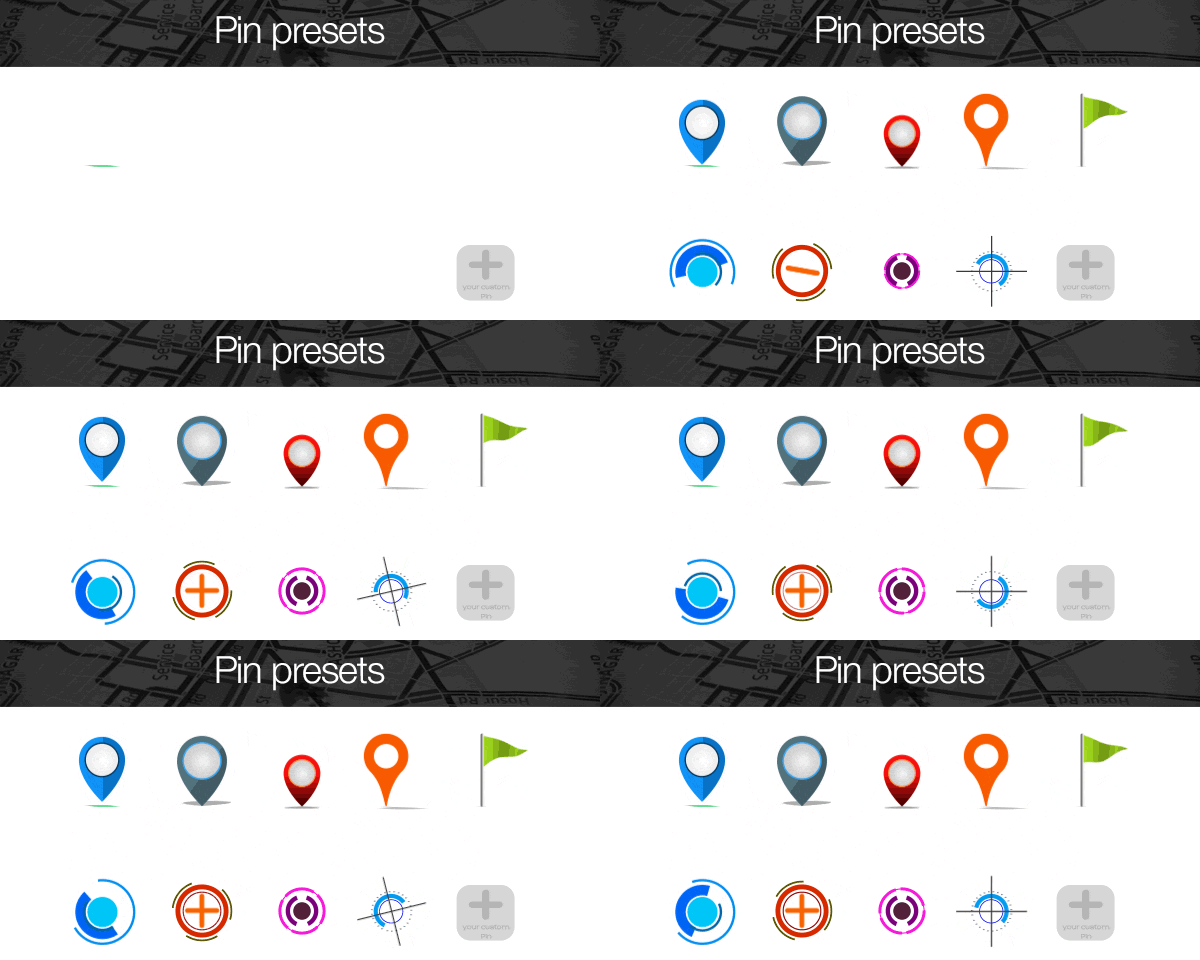
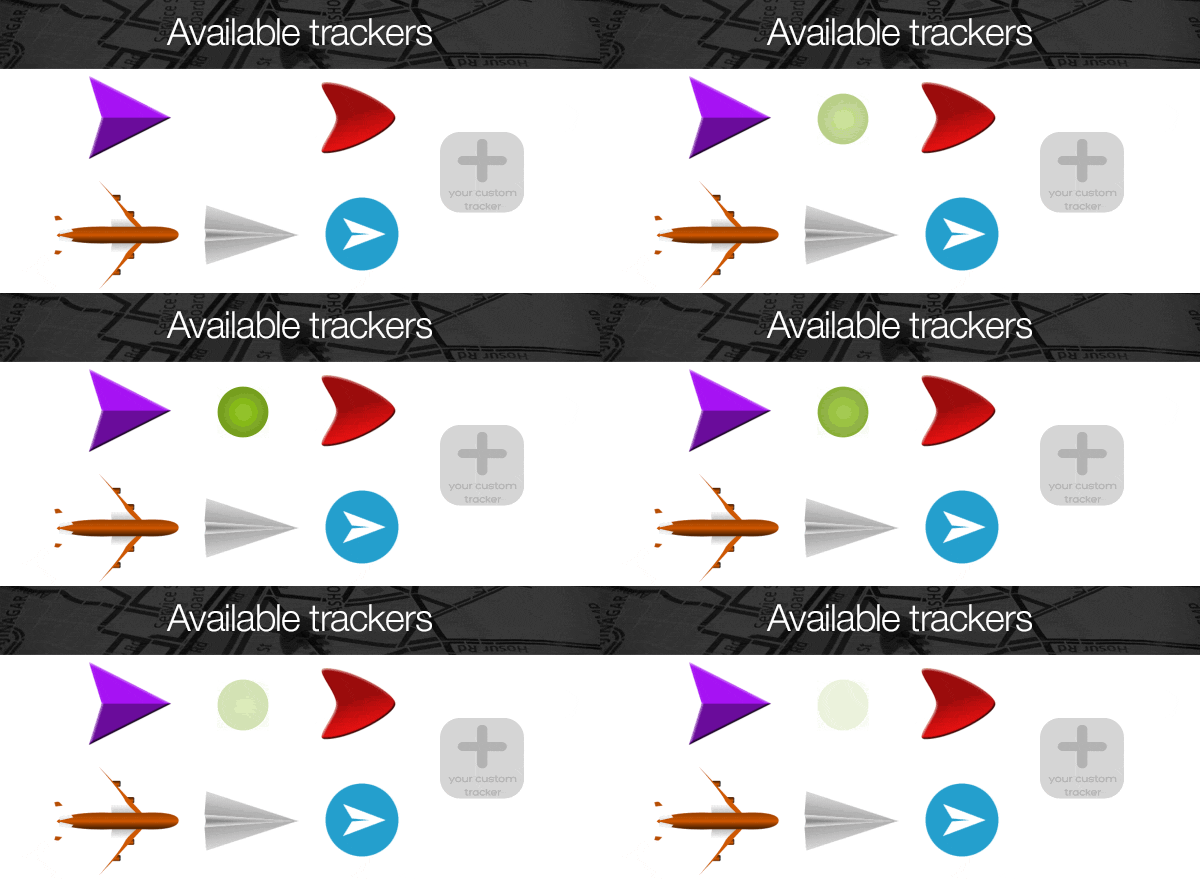
If you want to use your custom pin or custom tracker, you just have to import them into the project, then select them from the script.
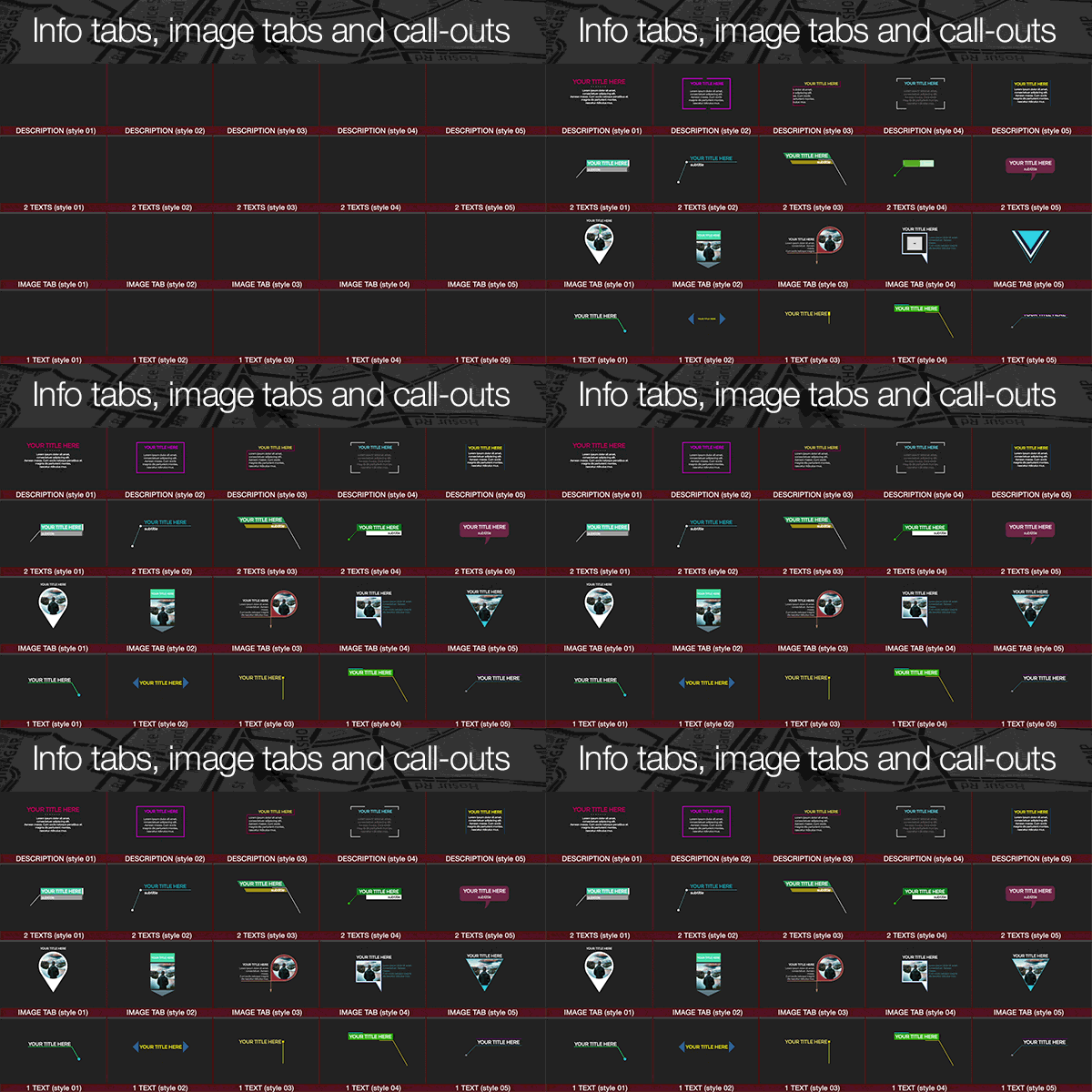
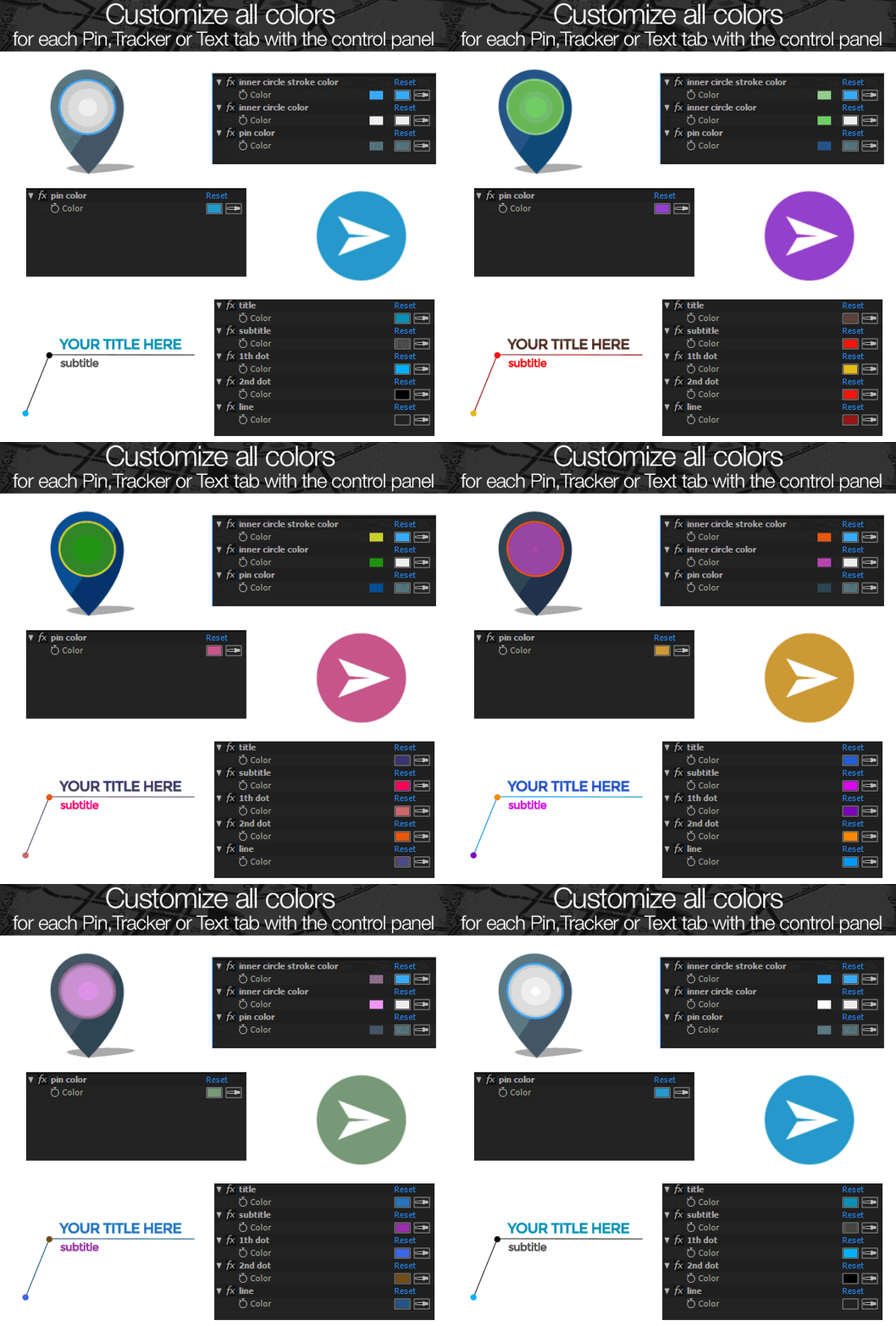
All available pins, trackers and info tabs are fully customizable; it means that each element has an own color control panel where you can change all colors.

With the version 4 of Map Route Generator you can also use your 3D tracker model. Just press a button and the script will create the right asset to insert your 3d object. Obviously “Videocopilot Element 3D” Plugin (www.videocopilot.net) must be installed in order to work with this option.
 This project allows the creation of a map animation with a maximum duration of 5 minutes.

The project also includes 3 pre-rendered 4K intro scenes that you can use to introduce your map animation. Just choose your intro scene and add it to the render queue.
What the customers say
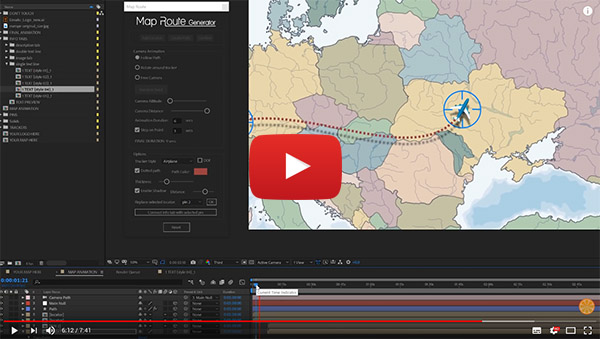
Check out this review made by Orange83 channel
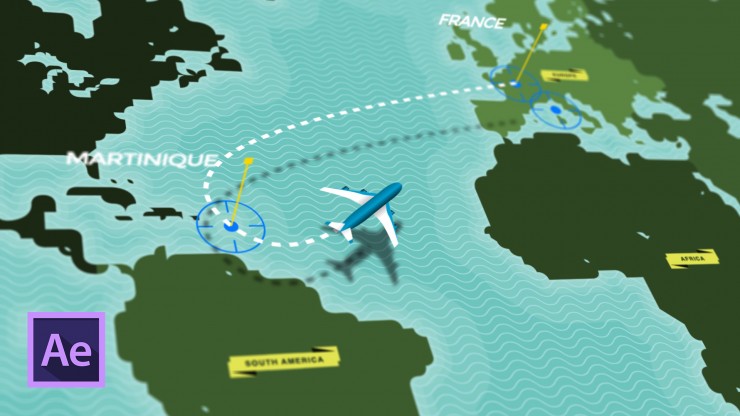
Read the tutorial and the review by nofilmschool.com

- Project resolution: UltraHD 3840×2160 and FullHD 1920×1080
- Compatible with all versions of After Effects from cs5 to CC
- Compatible with Mac and PC
- No Plugins required
- Expressions universalized
- User friendly
- Fast to customize
- Video tutorial included
- Free support
- Element 3D plugin supported
- No Keyframes or markers to manage
- Add Unlimited points
- Automatic Camera Animation
- Stop on selected point function
- 20 Texts styles: image tabs, description tabs, call-outs with single line and call-outs with 2 lines
- 6 trackers style with the possibility of using your custom tracker
- 10 pins + 1 custom pin
- Three 4K pre rendered intro scenes
- Automatic path creation
- 4k and Full HD version
- Realtime animation updates


 The music used in this video preview is not included
Image used (not included in the project):
Human body By Sasssy profile – Собствена творба, CC BY-SA 4.0, https://commons.wikimedia.org/w/index.php?curid=48991739
metro: By Sameboat (Own work) [CC BY-SA 4.0 (https://creativecommons.org/licenses/by-sa/4.0)], via Wikimedia Commons
Simon’s 1888 Gothenburg map By Ludvig Simon (Riksarkivet, Landsarkivet i Göteborg) [Public domain], via Wikimedia Commons
Central Bengaluru OSM Road Map by Planemad (Own work) [CC BY-SA 3.0 (https://creativecommons.org/licenses/by-sa/3.0) or GFDL (http://www.gnu.org/copyleft/fdl.html)], via Wikimedia Commons
Update 11.11.2018
- Fixed a Bug on the purchase code verification
- Fixed a bug on the custom tracker
- Fixed minor bugs
Update 01.14.2019
- Added FULL HD version
Update 03.24.2019
- Fixed a bug of the "Stop on Point" function, which in certain cases was not working properly
- Fixed a bug which made it impossible to stop on a point if it had been renamed by the user
Update 04.10.2019
- Fixed a bug on the V16.1 of After Effects
- Fixed minor bugs
Update 08.11.2020
- Added the support to Element3D plugin (only for 3d trackers)
- Script window interface re designed
- The script window is now dockable
- New color picker window
- The creation of the path is more flexible (you can add more vertices and move
  them even if the path has been created)
- Added the "Align Info Tabs/Pins Starting Time" button
- Fixed a bug where in some cases the stop on point function didn't work properly
- New Authentication System (according to the Envato api v3)
- New video tutorial
- Fixed minor bugs
Do you prefer to work on premiere?
Check out the Premiere Pro version of Map Route Generator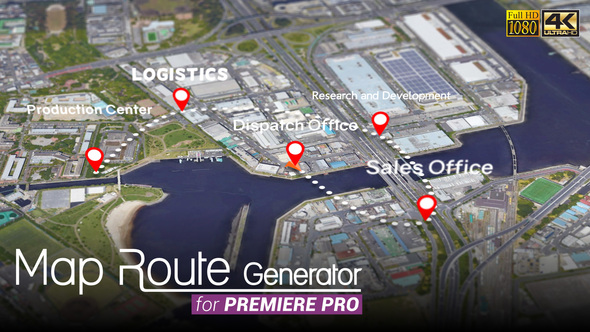
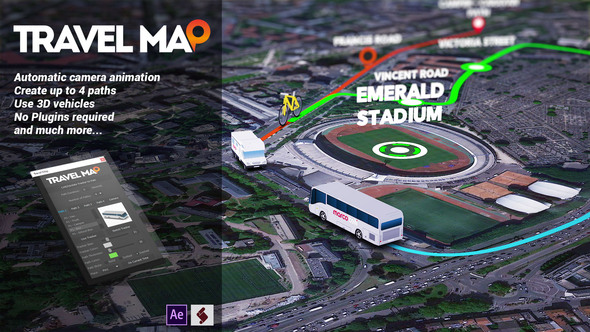
Do you need to use more than 1 tracker? check out the new “Travel Map” project
Check out 3D EARTH CONNECTIONS
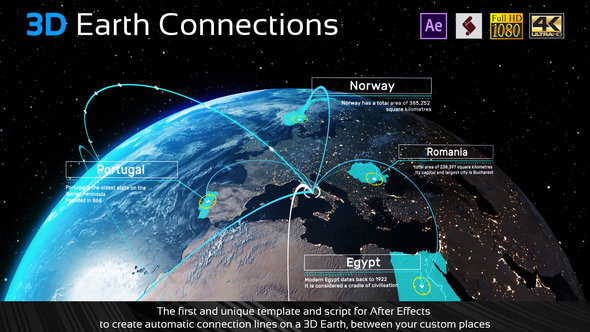
Checkout the new “3D Earth Route”


