
Login to your account!
Join the World's Largest Web App Marketplace!
Great to see you here!
Let’s set up your account in just a couple of steps.
Forgot password?
Enter your username or email to reset your account.
AE Face Tools
By : videolancer Published On Sunday, September 20, 2026, 17:30 In After Effects Project Files
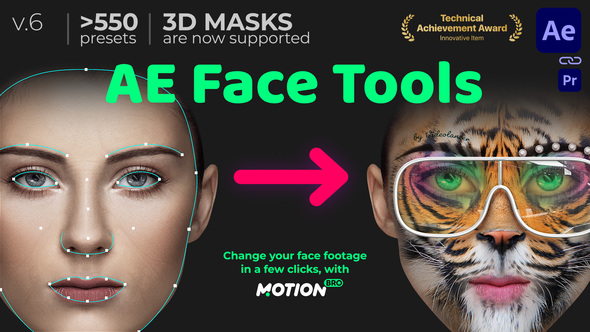
Meet it – AE Face Tools on Videohive!
Do you often mount face footages in After Effects or Premiere Pro?!
Add features of Face Applications without smartphones and neuronets!
AE Face Tools – is a package of presets, that will expand considerably the features of standard face tracking from After Effects. Check out this overview to find out more: Watch on YouTube.
The new version AE Face Tools 6.0 is already available!
AE Face Tools now supports 3D models. Quickly attach any 3D mask or head to a face in a video. More details in this video review.


Tools and Presets for face footages inside After Effects
Face Tools library includes hundreds of ready-to-use presets


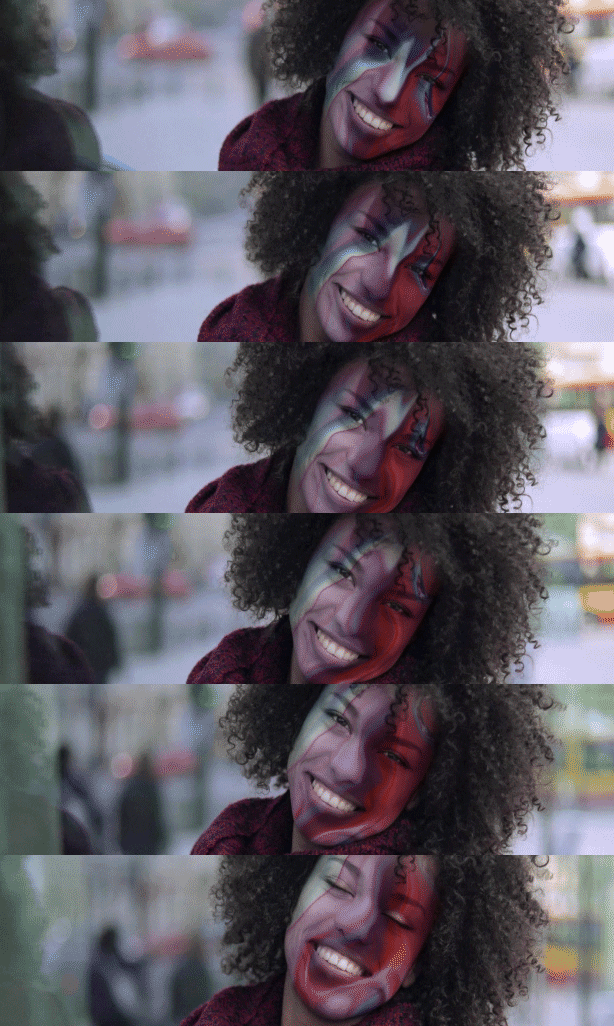


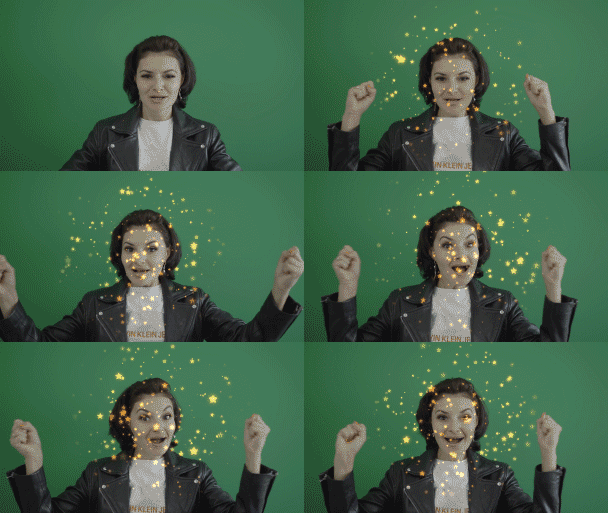

One click to add a Preset
How it works?
Detect a face with a mask and make face tracking (it is a standard option in After Effects). Then, in the Motion Bro panel, choose any preset and add it in one click. That is all. Check out this overview to find out more: Watch on YouTube.


Easy Customization
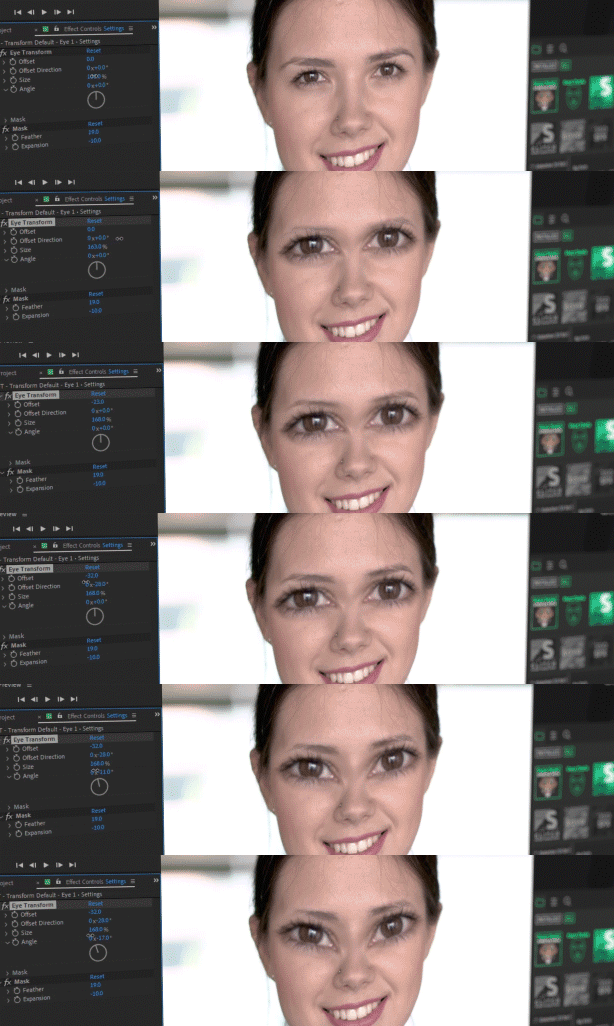
No prerenders! All the presets are customizable and you can edit them at any moment
Lifetime Free Updates
The more demand our product will be, the more often we will release updates, which, by the way, are always available for free

3D Tools (New!)
An easy way to quickly attach any 3D model to a face.


Makeup Tools
Category Makeup includes several presets that will help to put on any texture, video or correcting effect on the face. For example, you can make the face older adding the face of an old man as a texture.

Makeup Composite
Combine several different effects on one face.


Emoji Presets
Tons of presets to amplify your emotion.

Reverese Stabilization Tools
You can use reverse stabilization to fix any distorting effect on the face
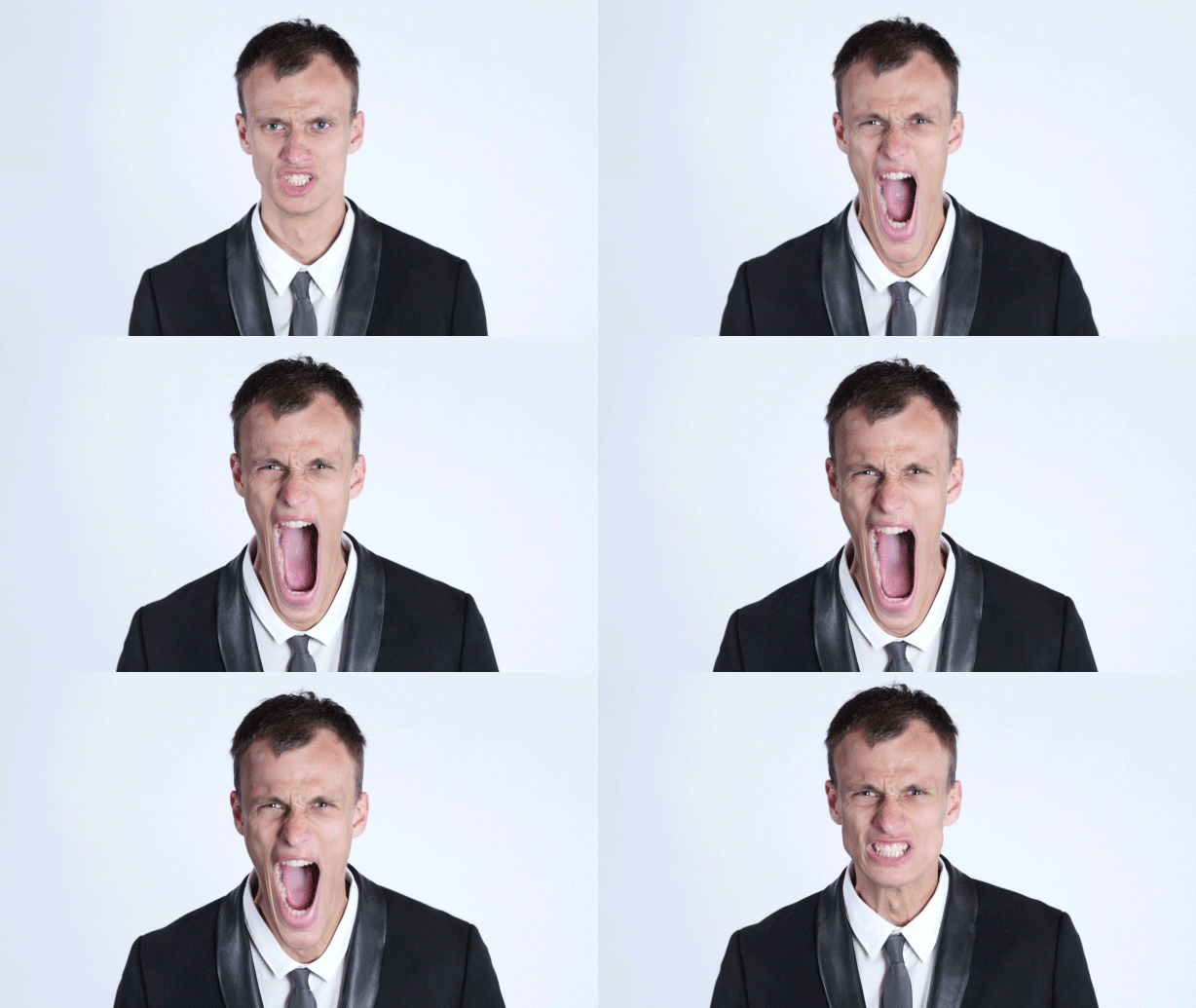
HUD and Face Scan Presets
Dozens of ready-made presets to create the effect of a face scan or identification.



Eyes Tools
Replace eyes with dozens of pre-made presets or create your own eye preset

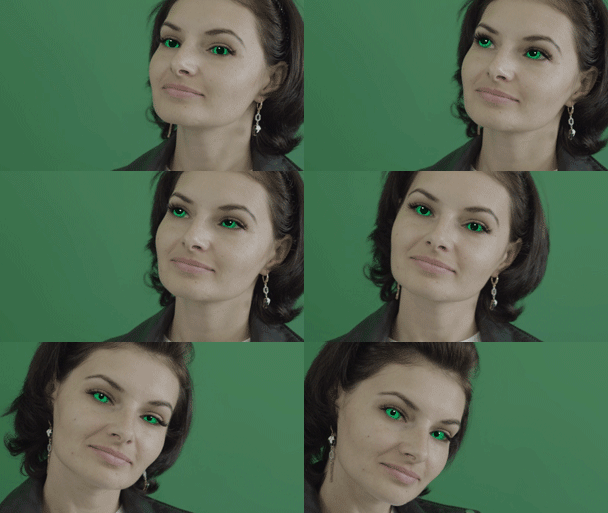

Cleanup Tools
Brush out skin defects – such as pimples and pigmented spots

Distortion Tools
In a few clicks add distorting effects for changing the face beyond recognition


Transform Tools
Re-transform your face! You can rotate, scale and offset any of the face part


Stabilization Tools
Stabilize your video by face in order to make it more expressive

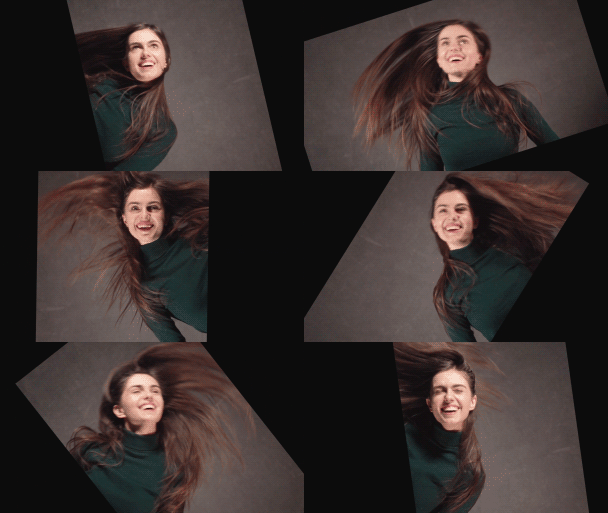
Adjustment Mask Tools
Adjustments Mask is a set of the presets for masking parts of the face. For example, you can change the colour of eyes and lips

Face Replacements Tools
You can replace the face using a common photo of another person.
Check out this video tutorial


Note: Face replacement – is an experimental tool. Not suitable if you need a professional result.
Features
- Over 500 tools and presets for Face Footages
- Supported any resolution (we tested to 4K)
- Supported any aspect ratio regardless of orientation – portrait or landscape
- Convenient use with Motion Bro plugin
- Ability to use Premiere Pro (via the Dynamic Link). Tutorial
- Music used in Promo (not included): Action Energetic Rock Sport Fashion
- Footages used in Promo are not included in the project
Technical Requirements
- After Effects version no lower than CC 2021 is required
- Presets from the “3D Holder” category require After Effects version no lower than 2024.1
- Requires latest version of the Motion Bro plugin (for free)
Also, before buying, we recommend that you watch this How-to-Use video to understand how it works and what face footage is suitable for tracking.
Changelog
Update 6.0.1 (May 13, 2024) - Fixed an issue with missing files when importing presets from the 3D Holder category
Update 6.0 (May 11, 2024) - Added support for 3D models (3D Holder category)
Update 5.3 (April 25, 2024) - Fixed a missing media issue for presets in the "Detection > HUD" category
Update 5.2 (December 2, 2023) - Compatibility with the new plugin version - Motion Bro 4.3.2
Version 5.0 (June 12, 2023)
+ Compatibility with the new plugin version - Motion Bro 4
+ Fixed presets from the Makeup category not working consistently in After Effects 2021 or later
Update 4.1.2 (2021-03-05) - Fixed Missing Media error for the "Wrinkles" category.
Update 4.1 (2020-11-12) - Fixed a cropped mask issue that appeared for videos with a resolution over 4K or in vertical 4K.
Update 4.0 (2020-10-08)
+ Updated the Motion Bro extension to version 3.1.2
+ Added new GIF mode for preview
Update 3.1 (2020-08-27)
+ Fixed minor bugs
+ Added new category "Starter Pack -> Particles -> Comic Tears"
Update 3.0 (2020-08-17)
+ Fixed minor bugs
+ Added new category "Face Tools -> Stabilization"
+ Added new category "Starter Pack -> Detection"
Update 2.0 (2020-06-05)
+ Many bugs and flaws fixed
+ Fixed auto-resize
+ New preset categories added: Eyes, Makeup Composite, Distrorion Glitch, Distortion Caricature
Update 1.2.1 (2020-05-29) - Several bugs fixed
Update 1.2 (2020-05-05) - All text buttons replaced with thumbnails
Update 1.1 (2020-04-24)
+ Added compatibility with Motion Bro V3 extension
+ Fixed expression errors in presets from the category 'Starter Pack -> Glasses -> Combined'


