
Login to your account!
Join the World's Largest Web App Marketplace!
Great to see you here!
Let’s set up your account in just a couple of steps.
Forgot password?
Enter your username or email to reset your account.
Smart Page for Perfex CRM - Heatmaps, Funnels & Form Analytics
By : GreenTech_Solutions Published On Friday, November 13, 2026, 08:30 In PHP Scripts
Note: This is a module for Perfex CRM. Not a standalone script.
Brief description
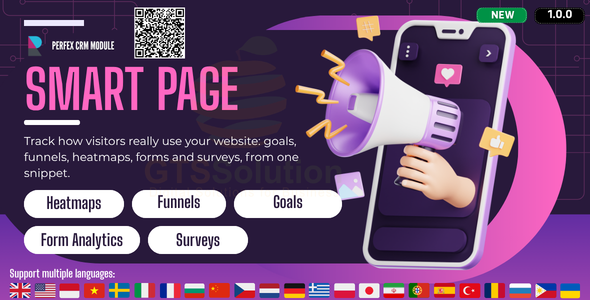
Smart Page brings website behaviour analytics inside Perfex CRM. You create a workspace per website, install its tracking snippet, and from then on the module answers the operational questions that aggregate traffic totals never do: which pages visitors are on, how many of them reach a goal, which funnel step they leave at, how far down the page they scroll, which form field they keep correcting, and what they say when you ask them directly.

What you get
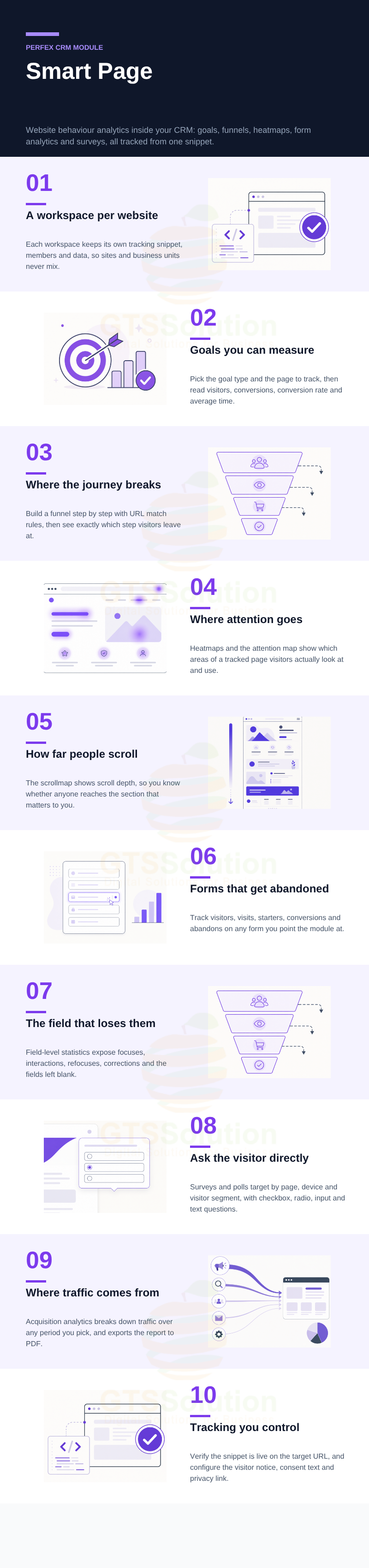
- Workspaces that keep each website’s tracking, members and data separate.
- Goals and multi-step funnels that measure conversion and show where it breaks.
- Heatmaps, scrollmap and attention map for page experience.
- Form analytics down to individual field behaviour.
- Surveys and polls targeted by page, device and visitor segment.
- Acquisition analytics with PDF export, plus a snippet verifier and privacy settings.
Module Features
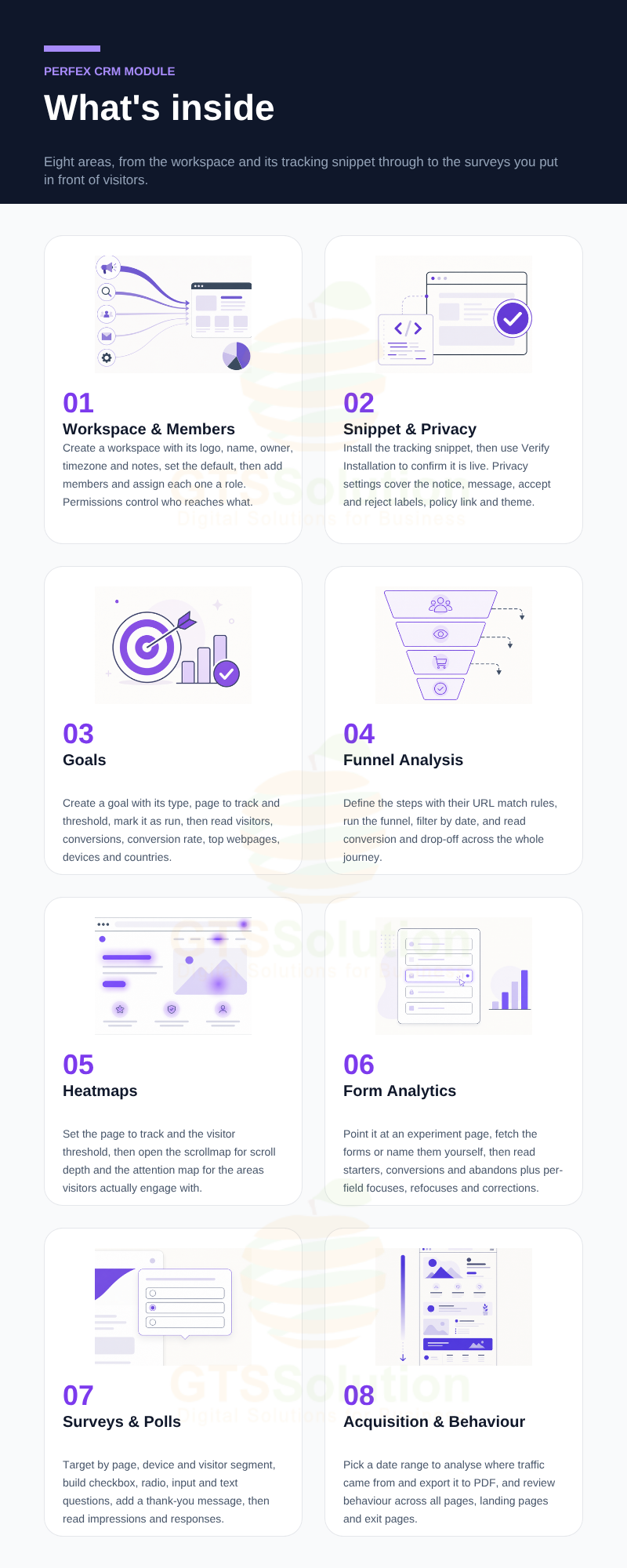
- Workspace management — Create a workspace with its logo, name, type and owner, timezone and notes. The list supports view, delete and set-default actions.
- Members and roles — Open a workspace and add the people who should reach its data, assigning each member their workspace role.
- Tracking snippet — Each workspace has its own snippet to install on the target website or page.
- Verify Installation — Check the target URL and confirm the snippet is actually present before you start trusting the numbers.
- Privacy settings — Configure the visitor notice and consent mode, the message text, the accept and reject button labels, the privacy-policy link and the dark theme.
- Goals list and lifecycle — Manage goals with search and filters, and move each one between run and close through the status action.
- Create and edit a goal — Name the goal, choose its type, define the page to track and set the threshold.
- Goal analytics — Filter by date and read visitors, conversions, conversion rate and average conversion time, plus top webpages, performance by device and top countries.
- Funnel list and lifecycle — Manage funnels with view, edit and run or close status actions.
- Build a funnel — Add Step 1, Step 2 and as many more as the journey needs, each with its own match type and match value or URL.
- Funnel analytics — Filter by date and read visitors, conversions, conversion rate and average conversion time alongside the funnel and drop-off charts.
- Heatmaps — Create a heatmap with its name, page to track and visitor threshold, then activate its run status.
- Scrollmap — See how far down the tracked page visitors actually scroll.
- Attention map — See which areas of the page hold visitor attention and which are ignored.
- Form analytics setup — Enter the experiment page URL, then use Fetch Forms to pull the forms on it, or define the form name and form ID yourself.
- Form analytics dashboard — Filter by date and review visitors, visits, starters, conversions and abandons with their charts.
- Field-level statistics — Track focuses, interactions, refocuses and corrections per field, and see which fields are being left blank, so you can find the one that costs you the submission.
- Surveys and polls — Create a survey with its name, description, target page, device and visitor targeting, and a thank-you message, then manage its run status.
- Question builder — Build checkbox, radio, input field and text area questions, each with its own options and required setting.
- Survey analytics — Filter by date and read visitors, visits, impressions and responses, with question-level statistics such as focuses, starters, answered and abandoned.
- Acquisition analytics — Choose a from and to date, filter, and analyse where traffic came from over that period.
- Export to PDF — Take the acquisition report out of the CRM when someone needs it as a document.
- Behaviour analytics — Review page behaviour across all pages, landing pages and exit pages.
- Permissions — Control which staff reach which parts of the module.
Good to know before you buy
- Tracking only starts once the snippet is installed on the target website. Use Verify Installation to confirm it before judging the data.
- The snippet is unique per workspace, so one workspace means one tracked website or business unit.
- Data is collected from the moment tracking goes live. The module does not backfill history from before installation.
- Heatmaps, goals and forms each have their own page to track and threshold. Nothing is measured until you create the record and set it to run.
- Privacy settings give you the visitor notice, consent mode and policy link. Deciding what your tracking is allowed to collect in your jurisdiction remains your responsibility.
Demo
Set-up
Included documentation will help you upload and activate the module inside Perfex CRM, if you are not aware on how to do it.
Support
Our support team is always around to help. Feel free to raise a support ticket.
Guys from support department will get back to you as soon as possible with a reply, guiding you through any issues.
Changelog
Version 1.0.0 / 2026-10-30
Initial version


